EAS Security
 EAS Gate
 Security Tag
 EAS Accessories
 Gadgets
 Convex Mirror
 Road Barrier
 Burglar Alarm
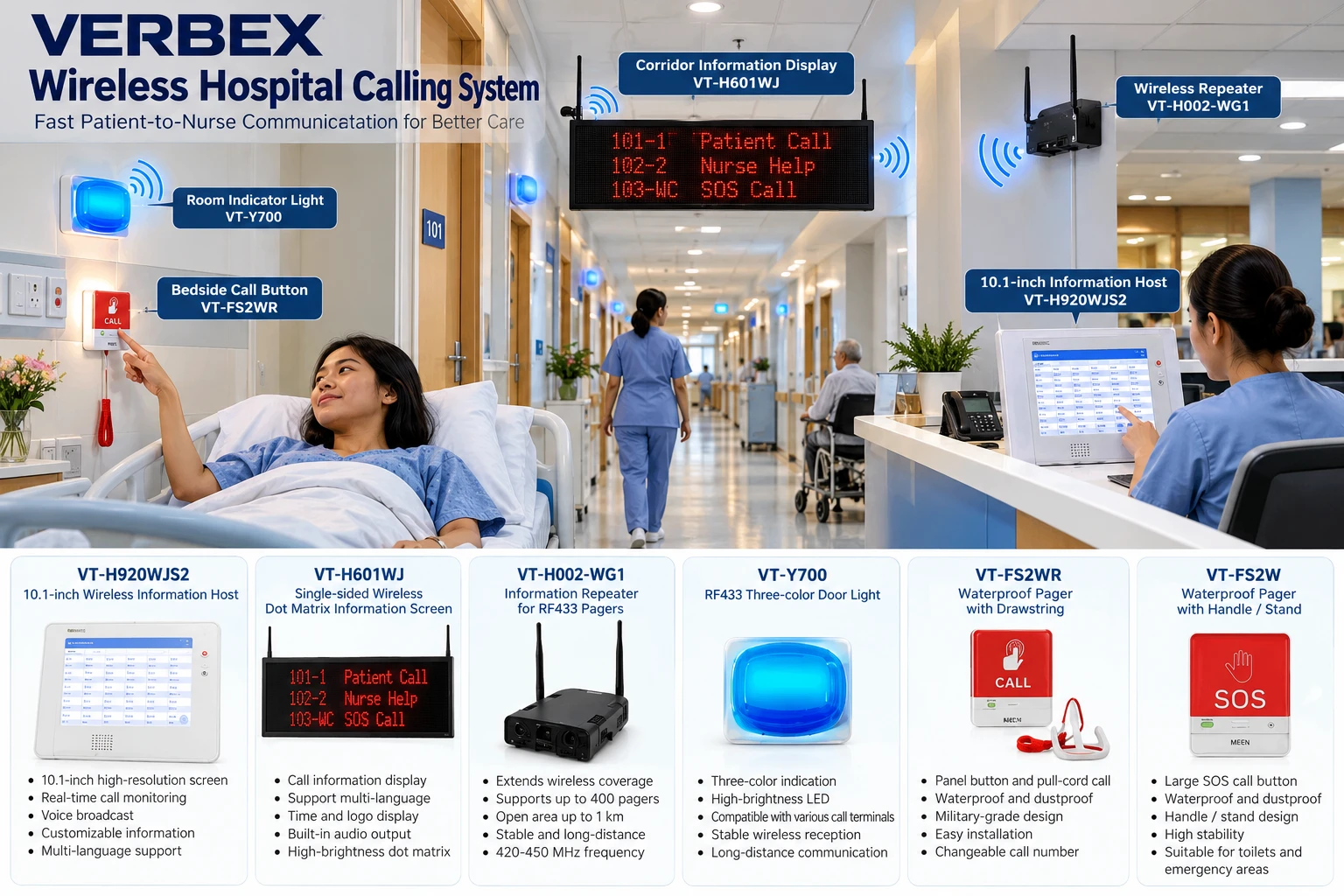
 Calling System
What Is Class Schedule Management? A Guide to Creating and Managing Timetables in eBiddyaPro
November 03, 2026

What Is Class Schedule Management? A Guide to Creating and Managing Timetables in eBiddyaPro
A school timetable can look complete and still fail on the first morning. One teacher may be assigned to two sections at 9:00 a.m., a practical class may have no available laboratory, or a required subject may appear fewer times than the academic plan calls for. These problems are easier to catch when the school checks the routine against its subject allocations, staff availability, and room capacity before sharing it.
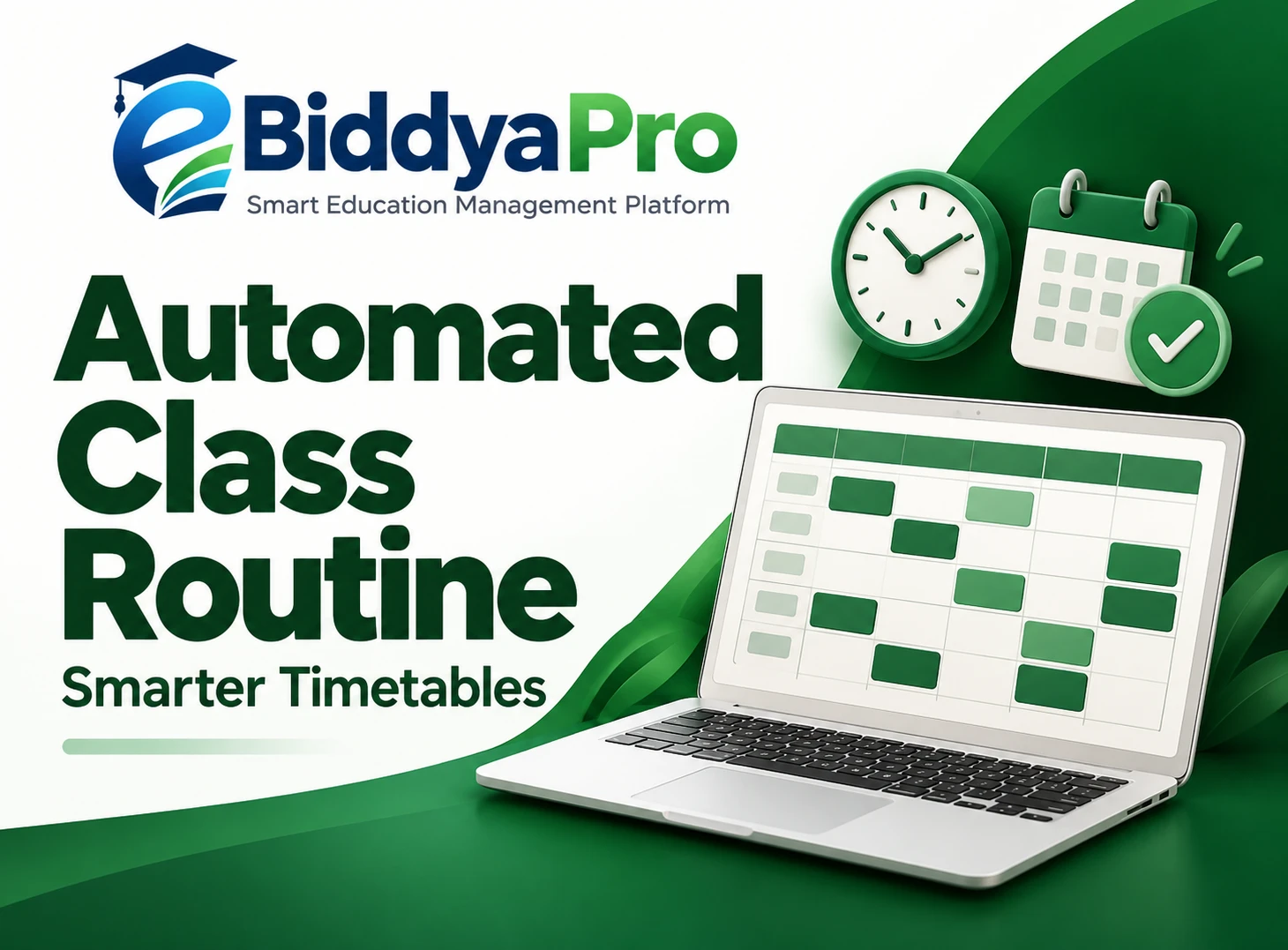
Class schedule management is the process of planning, checking, publishing, and updating a school’s timetable. In eBiddyaPro, Class Schedule sits under Academic Setup, alongside Academic Sessions, Shifts, Classes, Sections, Subjects, and Class-Subject Config. These areas help administrators establish which students are being scheduled, what they study, and which academic session the routine belongs to. This guide explains how to prepare those records, build a weekly timetable, and manage changes in the context of schools in Bangladesh.
What Does Class Schedule Management Include?
A class schedule answers a practical question: what lesson does a particular group of students attend at a given time? A usable schedule also makes it possible to work out who teaches the lesson, where it takes place, and how it fits into the rest of the school day. An administrator may need to look at the same plan from several perspectives. The section needs a complete routine, the teacher needs a workable assignment across sections, and the school needs to know whether shared spaces are available when lessons require them.
Management continues after the initial routine is prepared. A school may need a temporary substitute when a teacher is absent, a revised routine during examinations, or a permanent change when another section opens. Each situation has a different scope. Treating a one-day substitution as a permanent edit can change a routine that was otherwise working. Treating a permanent change as an informal exception can leave staff and students following different versions of the timetable.
The goal is to maintain a dependable routine that people can use without repeatedly asking which copy is correct. That requires a clear distinction between the draft under review, the approved version in effect, and any temporary instructions that apply only on certain dates.
Start with Academic Setup in eBiddyaPro
Begin with the Academic Sessions area and confirm that the team is working in the intended session. Then review the records for classes, sections, and shifts. For example, a timetable labelled only “Class Seven” can be ambiguous if the school has multiple sections or operates both morning and day shifts. Use consistent names so the academic office and teaching staff recognize the same group when checking the routine.
Next, review Subjects and Class-Subject Config. The first area identifies the subject records available to the institution. The second identifies which subjects are associated with a class. In the shared Class-Subject Configuration screen, the management table includes the institute, session, class, subject, and status. These details give an administrator a practical way to check that the subject assignment belongs to the right class and session before trying to schedule it.
For instance, if the timetable coordinator expects English to appear for a class but cannot find the intended record while scheduling, creating another English subject should not be the first response. Check the institution, academic session, class assignment, and status first. If the subject is present under a different label, confirm whether it represents the same offering or a distinct paper. Resolving the underlying record prevents confusion when other staff refer to the same subject later.
The shared interface establishes the navigation path, but it does not show every field or validation rule inside the Class Schedule form. During setup, open the screen in your own workspace and confirm which fields it supports. Where a scheduling constraint is not represented in the form, keep it in the school’s approved planning record and review it alongside the routine.
Use Bangladesh Curriculum Sources to Plan Subject Coverage
Schools in Bangladesh should establish the required subject coverage and weekly period allocations before placing lessons on the timetable. The National Curriculum and Textbook Board publishes textbook lists by academic year and education level. The Directorate of Secondary and Higher Education has also issued guidance covering revised subject structures and weekly period counts for specified secondary grades. The textbook list helps a school identify the books associated with a grade; the applicable period guidance addresses how the school should plan teaching time.
Use the guidance that applies to the institution, grade, and session. For example, NCTB publishes a separate textbook list for the Dakhil level. A general secondary school’s previous timetable is therefore an unsuitable default for another education stream without checking the applicable requirements. The same principle applies when moving from one academic year to the next: last year’s routine can reveal how the school used its staff and rooms, but subject coverage and period allocations should be checked against the approved plan for the new session.
For a school administrator evaluating a timetable workflow in Bangladesh, the practical question is whether the setup can represent the institution’s real structure. Test one class with multiple sections, a teacher who serves more than one group, and a lesson that needs a shared room. These examples reveal how much of the work can be handled in the scheduling screen and which checks need to remain part of the school’s review.
Create a Weekly Timetable from Available Teaching Time
Start by establishing the school week for the selected shift. Identify the actual start and end times and mark the periods reserved for assembly, breaks, or other fixed activities. Count only the slots available for lessons. A routine with 30 usable periods cannot hold a plan requiring 33 teaching periods merely by rearranging subjects. That gap requires an academic decision about capacity, the structure of the day, or how the approved requirements will be met.
After confirming capacity, place the hardest lessons to schedule. A science practical may require a laboratory, a particular teacher, and consecutive periods. A teacher who works across branches may have a narrow window in which they can teach at one location. Ordinary classroom lessons usually offer more options, so they can be arranged around these constraints. This approach avoids spending time polishing a draft that later needs to be rebuilt around a shared resource.
Then open Academic Setup → Class Schedule in eBiddyaPro. Use the approved plan to enter the routine for the relevant academic session and class or section, according to the controls available in your workspace. Verify the context shown on screen before saving. If the form provides selections for details such as teacher or time, compare them with the approved plan. For information the screen does not capture, maintain a companion planning record rather than assuming it has been checked automatically.
Once a draft is ready, count each subject’s scheduled lessons and compare the total with its allocation. In an illustrative example, suppose Class Seven has four English periods in the approved plan but only three in the draft. A fully occupied grid can hide that omission. The subject count shows exactly where the routine needs attention and helps the coordinator check whether another subject has received an extra period. The numbers in this example are illustrative, not official allocations.
Review Teacher, Room, and Shift Conflicts Before Publishing
A timetable should be reviewed from the perspective of the section, the teacher, and any shared room. A section’s timetable may appear valid even though its Mathematics teacher is expected in another classroom at the same time. A laboratory conflict can be just as easy to miss if the coordinator reviews each section separately and never compares their room needs.
Check actual clock times when reviewing more than one shift. A period label is meaningful within its own timetable, but “Period 2” can start at different times in morning and day shifts. Two periods with different labels can overlap, while two periods with the same label may happen hours apart. For a teacher moving between buildings or campuses, allow time to travel as well. A five-minute gap on the timetable may be unworkable if the next classroom is in another location.
Where a school shares teachers across branches, agree on which office resolves cross-branch conflicts. Otherwise, each branch may correct its own routine without seeing the effect on the other. A school can use the same naming conventions and review standards across campuses while still respecting local room capacity and staff availability. If your eBiddyaPro deployment offers any conflict warnings, test them with a representative example before relying on them. A warning for overlapping teachers does not establish that the system also checks rooms, travel time, or incomplete subject coverage.
Publish One Approved Routine and Manage Changes by Date
Choose who approves the final timetable and where staff and families will find the current version. The shared interface confirms the Class Schedule menu but does not establish how publication, notifications, or parent access are handled in every eBiddyaPro workspace. Use the distribution options your school has verified. If you share a printed or digital copy separately, include the class, section, shift, session, and effective date so people can identify the correct routine.
For a temporary change, communicate the date, affected period, and replacement arrangement. If a teacher is absent on Tuesday, the normal Thursday routine should remain untouched unless Thursday is also affected. For a permanent change, check the affected teacher, room, and section before releasing the revised version. If a Mathematics lesson moves to a slot already used by a shared teacher, the solution simply shifts the conflict elsewhere.
Keep a record of what changed and when it took effect. This is particularly useful during examination periods, when a temporary schedule may run alongside the regular teaching routine. Label both clearly and explain when normal lessons resume. At the end of the first week, ask teachers to report collisions, rooms that proved unsuitable, or transitions that were too short. Real classroom use can expose problems that were not visible in a draft.
Frequently Asked Questions
1. What is Class Schedule Management in eBiddyaPro?
It is the process of preparing and maintaining a class routine using the platform’s academic records and Class Schedule area. In practice, it includes checking lesson coverage, coordinating staff and rooms, and communicating approved changes.
2. Where can administrators find Class Schedule in eBiddyaPro?
In the shared interface, Class Schedule appears under Academic Setup. The same menu contains the session, shift, class, section, subject, and class-subject configuration areas that administrators can review before building the routine.
3. What is the difference between Class-Subject Config and Class Schedule?
Class-Subject Config establishes which subjects are associated with a class in the relevant academic context. Class Schedule deals with when lessons take place. A subject assignment tells the coordinator what belongs in the routine; a schedule places its lessons into the week.
4. Does eBiddyaPro generate a complete timetable automatically?
Automatic timetable generation is not established by the interface reviewed for this guide. If your school requires automatic placement or optimization, ask to see the feature in your workspace and test it against your actual constraints.
5. What should a school prepare before entering a timetable?
Confirm the academic session, shifts, classes, sections, and subject assignments. Have the approved weekly period allocations, staff availability, and shared room needs ready. These records make it easier to spot problems before timetable entry begins.
6. How should Bangladesh schools determine weekly subject periods?
Use the period guidance applicable to the institution, grade, and academic year. DSHE’s published secondary notice illustrates that weekly periods are part of the subject structure guidance. A textbook list by itself does not specify the whole timetable.
7. Can two sections follow the same subject plan and different routines?
Yes. Sections within one class may study the same subjects but need different teaching slots, rooms, or teachers. Compare both schedules with the same approved subject coverage where appropriate, then check shared resources across sections.
8. How should schools schedule morning and day shifts?
Define the clock times and usable periods for each shift. Build each routine around its own hours, then compare overlapping resources across shifts. Check transition and travel time where staff or rooms are shared.
9. How can administrators identify teacher clashes?
Read the draft by teacher as well as by class. Compare every assignment against its actual time and location. If two lessons overlap, move one and verify that the new slot works for its section, teacher, and room.
10. How can a school avoid double-booking a laboratory?
Treat the laboratory as a shared resource with its own booking plan. Compare all lessons that require it, including practical blocks spanning multiple periods. Check availability again whenever an affected lesson moves.
11. What should I do if a subject is missing while scheduling?
Check the intended subject record, its status, and its class assignment. Confirm that you are working with the correct institution, session, and class before creating another subject or changing the approved subject plan.
12. Should assembly and breaks count toward teaching capacity?
Reserve them before counting the periods available for instruction. If the institution treats a particular activity as instructional time, follow its approved planning rules and make the distinction clear to the timetable coordinator.
13. What if required periods exceed the number of teaching slots?
Raise the issue with the academic lead. Review the period plan, shift structure, and other fixed commitments against applicable requirements. Moving lessons around can solve clashes, but it cannot create extra teaching time.
14. How should an occasional teacher absence be handled?
Arrange cover for the affected lesson and communicate when it applies. Keep the approved recurring routine in effect unless the school has decided on a permanent change. This prevents a temporary substitution from carrying into later weeks.
15. Can last year’s routine be reused?
Use it as a reference for room use, lesson timing, or recurring constraints. Before reusing any assignments, check this year’s subject structure, sections, teachers, and shift hours. Confirm how your workspace handles copying before changing historical records.
16. How can administrators schedule practical classes?
Confirm room, equipment, teacher, and duration requirements. When a practical needs consecutive periods, reserve a suitable block early and make sure another section is not using the same facility during any part of it.
17. Can eBiddyaPro notify parents about routine changes?
The interface reviewed does not establish automatic parent notifications for timetable changes. Verify the available publication or communication options in your workspace, then use the school’s approved channel to share changes and their effective dates.
18. Should exam timetables replace regular class routines?
If the changes are temporary, keep the examination arrangement clearly separate where your workflow allows. Label the dates when it applies and state when the regular timetable resumes. This reduces confusion when both versions are in circulation.
19. What is a good way to test scheduling before a full rollout?
Build one representative class routine with multiple sections or a shared teacher. Check the weekly subject counts, compare actual times, and test how staff find the approved version. Resolve gaps before expanding the process to every class.
20. Who should approve a school timetable?
A practical division is for the academic lead to confirm subject coverage, the timetable coordinator to check the arrangements, and the authorized administrator to maintain the approved routine. The school should identify who approves changes after publication as well.
21. How can a school tell whether timetable management is improving?
Track how many clashes are found after publication, how often required periods are missed, and how many revised versions have to be circulated. Compare those records across sessions to see whether problems are being caught earlier and which part of the planning process needs attention.
A reliable timetable begins with accurate academic records and ends with a routine that students and staff can follow. In eBiddyaPro, confirm the session, shifts, sections, and subject assignments before opening Class Schedule. Then compare the draft with the approved weekly period plan, check teacher and room availability, and make the effective date clear whenever the routine changes.
Recent Post