EAS Security
 EAS Gate
 Security Tag
 EAS Accessories
 Gadgets
 Convex Mirror
 Road Barrier
 Burglar Alarm
 Calling System
How Complete Is Your Organization Setup? What to Review in the eHajira Core Dashboard
November 09, 2026

How Complete Is Your Organization Setup? What to Review in the eHajira Core Dashboard
An HR system can contain employee records, departments, shifts, and salary structures while still being unprepared for everyday operations. Employees may belong to the wrong branch, a shift may exist without assignments, or a salary structure may remain unused. Record counts show that information exists; they do not establish that the organization’s setup is complete.
The eHajira Core Dashboard provides a useful starting point for reviewing this foundation. In the supplied screenshot, it displays employee and branch totals, weekly user activity, a Module footprint section, administrative shortcuts, a new-hire chart, and recent activity.
For businesses in Bangladesh, these summaries can help administrators identify where further investigation is needed. Their value depends on understanding what each indicator represents and checking the records behind it.
This guide explains how to review the visible eHajira Core Dashboard, connect its information to practical organizational requirements, and assess readiness through actual workflows.
What the eHajira Core Dashboard Shows
The supplied screen belongs to the Core / RBAC area. Its top cards show Employees, Branches, and Active This Week. Beneath them, Module footprint summarizes departments, designations, devices, shifts, holidays, leave types, and salary structures.
The Quick admin actions area provides shortcuts to Workspace Settings, Add Branch, Audit Logs, and Login Logs. The lower section contains New hires — last 6 months and Recent activity.
Together, these areas offer an overview of organizational records and administrative activity. However, the screenshot does not show a setup-completion percentage. Institutions should not describe the dashboard as automatically certifying readiness unless a separate, demonstrated function supports that claim.
Why Setup Quality Matters for Bangladesh Organizations
A Bangladesh business may combine a head office, retail branches, warehouses, field teams, and shift-based operations. Each location can have different working arrangements and administrative responsibilities.
A setup that works for one office may not adequately represent the wider organization. For example, employees may need different branch assignments, managers may require restricted visibility, and attendance arrangements may differ between locations.
For eHajira, setup quality means representing these actual operations accurately. The administrator should compare the configuration with approved employee records and operational arrangements. The objective is not to maximize the number of records but to make the system usable for the people responsible for daily work.
Treat the Dashboard as a Review Starting Point
A summary should help administrators decide where to investigate. It should not replace the detailed records needed to establish accuracy.
If the dashboard shows three branches, compare those entries with the locations the organization actually needs to administer. If it shows several salary structures, establish which ones are approved and assigned.
eHajira’s published information describes Core administration alongside employee, attendance, leave, and payroll functions. This supports evaluating the connections between organizational setup and operational work. The exact configuration and permissions should be demonstrated for the proposed installation.
Understand the Employees Card
The supplied Employees card includes the description Active workforce. This suggests that its intended scope concerns the active workforce rather than every historical employee record.
Nevertheless, administrators should verify the exact inclusion rules. Future joining dates, inactive profiles, resigned employees, and incomplete records may affect how the installation calculates the total.
Compare the dashboard with the relevant employee list using the same scope. If the values differ, investigate filters, employment status, permissions, and effective dates. Do not change records merely to make two totals match. First establish whether the figures are intended to describe the same employee population.
Review Branches Against Actual Locations
The Branches card is described as Office locations. A count helps administrators recognize the scale of the location structure, but it cannot show whether each branch is configured correctly.
Review branch names, duplicate entries, operating locations, and the employees associated with each location. Consistent naming is particularly useful when several departments refer to the same site differently.
In eHajira, test the relationship between branches and employee records. If a location closes or a team moves, confirm the approved update process. A branch record should reflect a defined administrative purpose rather than exist only because it was created during testing.
Interpret Active This Week as User Activity
The Active This Week card carries the description Logged-in users. It should therefore be distinguished from employee attendance.
An employee may attend work without logging into the administrative system. Conversely, a user may log in remotely without that action establishing workplace attendance.
For eHajira, ask how the weekly period is defined and whether the metric counts distinct users. Also confirm whether particular account types are included. This card can support a discussion about system use, but it should not be presented as the number of employees who worked during the week.
Understand Module Footprint
Module footprint shows counts of foundational records. In the supplied screenshot, these include departments, designations, devices, shifts, holidays, leave types, and salary structures.
These numbers help administrators notice missing or unexpected entries. A zero or an unusually high count may justify a closer review, depending on the organization’s requirements.
However, footprint is not the same as operational completeness. A shift can exist without the correct employees assigned to it. A device can be registered without successfully delivering attendance. Each count should lead to a question about whether the underlying records are accurate, relevant, and connected to the intended workflow.
Review Department Records
Departments organize employees according to the institution’s structure. Before relying on department-based reporting, check whether names and assignments correspond to approved organizational records.
Duplicate labels such as “Accounts,” “Account,” and “Finance Accounts” can create confusion if they refer to the same team. Equally, combining genuinely separate teams under one label may reduce reporting usefulness.
In eHajira, review department details and employee associations rather than judging setup from the count alone. Decide who approves department changes and how transfers are recorded. The structure should remain understandable when employees or reporting responsibilities change.
Review Designations Separately from Departments
A designation describes a role or position, while a department describes an organizational unit. They should not be used interchangeably.
For example, “Sales” may describe a department, while “Sales Executive” describes a designation. Several employees may share a designation across different branches.
The eHajira Module footprint count does not establish that all employees have appropriate designations. Open the relevant records and check assignments. Agree on consistent naming and determine how promotions or role changes should take effect. This helps prevent outdated positions from continuing into later reports.
Confirm Devices Through Actual Attendance Collection
The Devices count shows registered records, not necessarily working connections. A device may be inactive, disconnected, incorrectly associated, or waiting for configuration.
A practical eHajira review should follow an authorized sample punch from the terminal into the attendance records. Confirm the correct employee, timestamp, and location context.
Compatibility also needs verification for the exact device and integration method. Do not treat a device count as evidence that biometric enrollment, attendance collection, and employee transfer all work. These are different operations and should be demonstrated separately when required.
Examine Shifts and Their Assignments
A shift record defines a working arrangement, but employees still need the appropriate assignments. The setup review should establish whether the defined shifts reflect actual operations.
Consider start and end times, effective dates, overnight arrangements, and the employees who should follow each schedule. Any special attendance rules require separate confirmation.
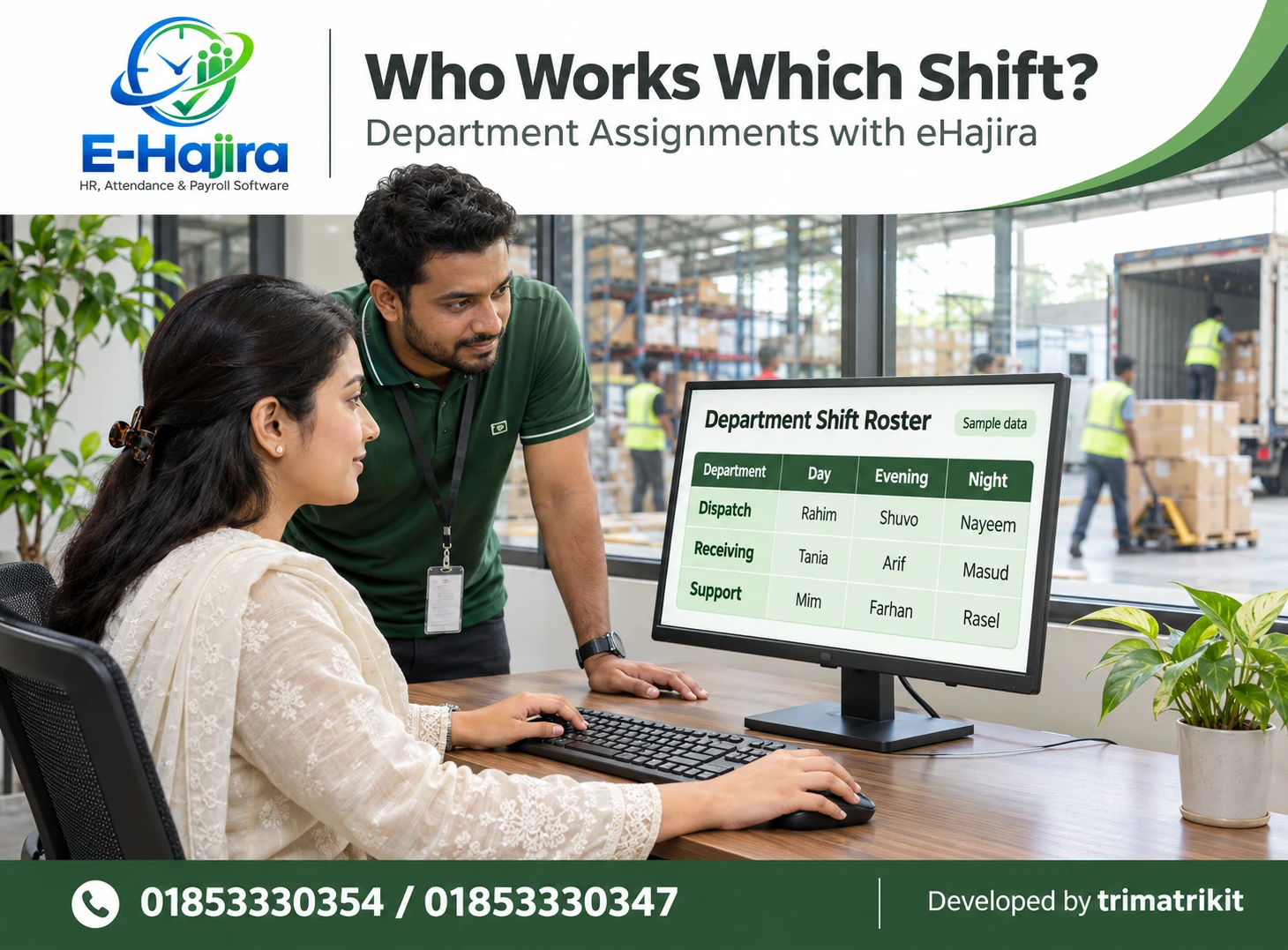
eHajira’s published roster guide recommends demonstrating scheduling with the organization’s actual shifts, branch structure, leave policies, and payroll requirements. This is more informative than reviewing shift names alone.
Review the Holiday Count in Context
The screenshot labels the holiday metric Holidays this year. Administrators should therefore consider the displayed year and the calendar scope.
A count alone cannot establish that all intended holidays have been entered or assigned appropriately. Check dates, names, affected employees, and any location-specific arrangements supported by the configuration.
For a Bangladesh organization, use its approved operating calendar as the reference. Do not assume that the software has automatically selected every applicable holiday. Where different teams work on different calendars, demonstrate how eHajira represents those differences before relying on the resulting attendance calculations.
Verify Leave Types Through a Sample Request
Leave types provide the categories used in the organization’s leave process. Having several categories does not establish that eligibility, balances, and approvals are configured correctly.
Review each required type against the organization’s approved policy. Then submit an authorized sample request and observe how it is processed.
For eHajira, verify the relevant dates, balance behaviour, responsible approver, and final status. Requirements such as half-day leave, overlapping requests, or alternative approval arrangements should be tested separately. A successful basic request does not prove that every exception is supported.
Assess Salary Structures Beyond Their Count
Salary structures define arrangements that may be used during payroll preparation. Multiple records can reflect different employee groups, but they can also include outdated or unused entries.
Administrators should identify which structures are approved and how they are assigned. Review effective dates and confirm the treatment of relevant components through a sample calculation.
In eHajira, the presence of salary structures does not establish that payroll is ready. Employee assignments, attendance inputs, leave decisions, and review responsibilities must also be correct. Payroll readiness should be assessed through the complete process required by the organization.
Use Workspace Settings with Clear Responsibility
The Quick admin actions area describes Workspace Settings as Company + Mail + Features. This indicates a central place for reviewing important configuration.
Changes here may affect more than one administrative team. Institutions should establish who can edit settings and how significant changes are approved.
During the eHajira demonstration, inspect the available settings and identify those relevant to the implementation. Test required email behaviour separately instead of assuming that stored mail settings guarantee delivery. Similarly, a feature setting should not be treated as evidence that the related workflow has been tested successfully.
Interpret the New-Hire Chart Carefully
The supplied chart is titled New hires — last 6 months. It can prompt a review of how employee intake has changed over time.
However, the administrator should confirm what determines the month of a new hire. Joining date, record creation date, and import date can produce different results.
This matters when historical records are migrated into eHajira. A large data import should not automatically be described as a recent recruitment increase. Compare a few known employee records with the chart and establish how corrections to dates affect the summary.
Distinguish Recent Activity from a Full Audit
The Recent activity panel shows examples of created and updated records. It can help administrators notice activity that may need investigation.
It should not automatically be treated as the complete history of every change. The panel may display a limited number of events or a selected scope.
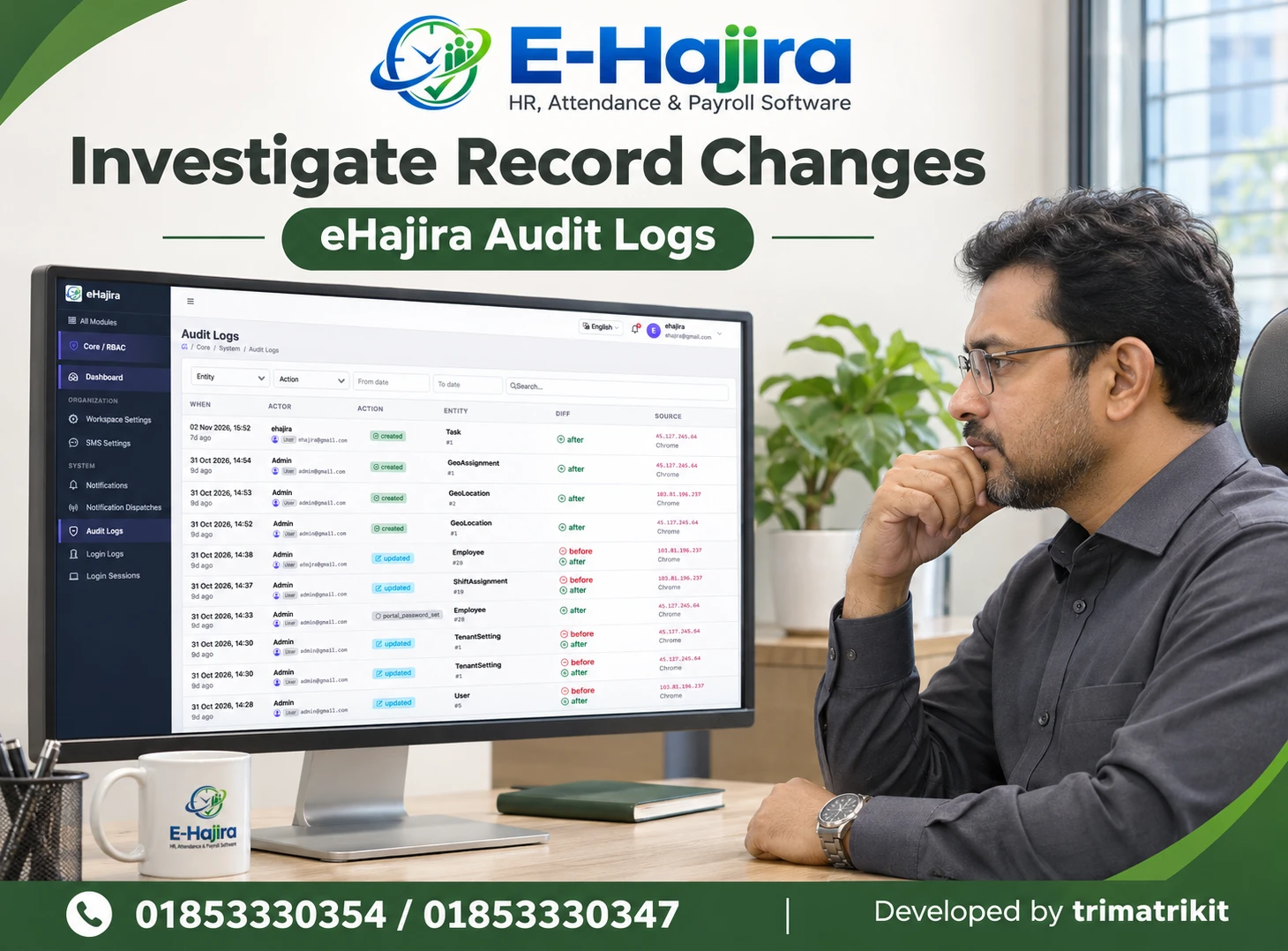
eHajira’s published module description identifies Audit Logs as a place for reviewing important system changes. Ask the implementation team which events, users, timestamps, and change details are actually recorded and accessible.
Understand Login Logs and Login Sessions
The screenshot shows Login Logs and Login Sessions as separate navigation entries. Their exact functions should be inspected rather than assumed.
Login history concerns access events. Session information may concern ongoing or recorded access sessions, depending on implementation. Neither should be confused with employee attendance punches.
For eHajira, demonstrate the evidence available for a known test account. If the organization requires session termination, access restrictions, or particular log fields, verify those capabilities explicitly. A menu label alone does not establish that every security control is included.
Evaluate Roles Through Real User Accounts
RBAC means role-based access control. A practical review asks whether people can perform their assigned work and whether unnecessary access is restricted.
Test with representative accounts for HR, branch management, attendance administration, and payroll where those roles are required. Check actual records and actions, not only whether a menu is visible.
In eHajira, demonstrate branch scope and permission boundaries using approved sample information. An account that can view a page should not automatically be assumed unable to edit through another route. Confirm the required restrictions through supported workflows and obtain clarification where behaviour is uncertain.
Review Notifications Separately from Delivery
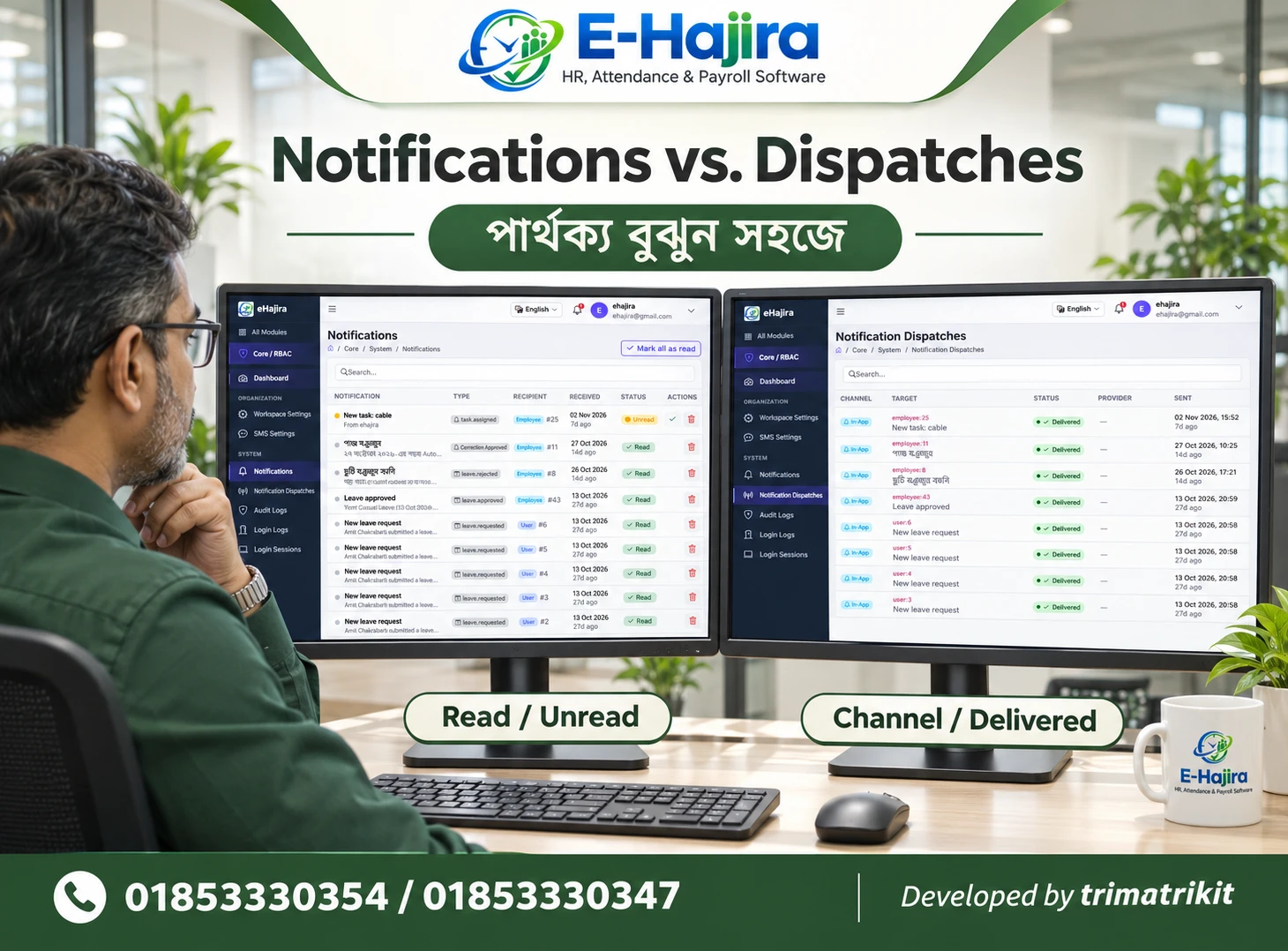
The navigation includes Notifications and Notification Dispatches. These suggest different areas for message information, but the available behaviour needs examination.
An event can generate a notification without proving that the intended recipient received it. Email, SMS, and in-app messages also involve different arrangements.
For eHajira, test the channels the organization actually requires. Confirm recipients, available statuses, configuration, and any usage costs. A setup review should record which communication workflows have been demonstrated rather than assume that all channels work because notification entries exist.
Define Completeness Through Business Workflows
The strongest readiness assessment follows work from beginning to end. An employee should be created with the correct department and branch, assigned appropriately, and processed through the required attendance and leave arrangements.
Where payroll is in scope, verify a controlled sample calculation and review its inputs. Confirm that the responsible users can complete their tasks with the intended permissions.
The eHajira Core Dashboard helps identify which foundational records exist. The completed workflow establishes whether those records work together. This distinction gives management a more reliable basis for approving rollout.
Assign Ownership After Implementation
Setup remains an ongoing responsibility. New branches, promotions, changed schedules, and staff departures can make previously accurate records outdated.
Assign responsibility for maintaining each administrative area and agree on how changes are verified. Staff handover should include account access and ownership of configuration tasks.
For Bangladesh organizations with several locations, define how branch changes reach the central administrator. eHajira can organize the information, but timely updates depend on clear responsibilities. Review the dashboard regularly alongside actual operational changes rather than waiting for a reporting problem.
A Practical Organization Example
Consider a fictional business with three locations. Its eHajira Core Dashboard shows employees, branches, shifts, and salary structures, so management initially believes setup is finished.
A sample workflow reveals that several employees belong to the wrong branch and one shift has no current assignments. The administrator corrects the approved records and repeats the test.
Management then reviews the intended permissions and communication process. This example illustrates why populated dashboard counts are useful starting evidence, while readiness depends on verified relationships and successful work.
Frequently Asked Questions
1. What is the eHajira Core Dashboard?
It is the administrative overview shown within Core / RBAC, displaying organizational summaries, record counts, shortcuts, hiring information, and recent activity.
2. Does it show a setup-completion score?
The supplied screenshot does not show such a score. Do not interpret Module footprint as a percentage or certification of implementation readiness.
3. What does the Employees card represent?
Its description says Active workforce. Confirm the exact inclusion rules and compare the value with employee records using the same scope.
4. Does Active This Week show attendance?
The screenshot describes logged-in users. System login activity and employee attendance are different measures and should be evaluated separately.
5. What is Module footprint?
It summarizes counts of foundational records, including departments, designations, devices, shifts, holidays, leave types, and salary structures.
6. Do populated counts mean setup is complete?
No. Records may be incomplete, outdated, duplicated, or unassigned. Test how they function in the organization’s required workflows.
7. How should branch records be reviewed?
Compare them with actual administrative locations and employee assignments. Check naming, relevance, and the approved process for changes.
8. Are departments and designations interchangeable?
No. Departments describe organizational units, while designations describe positions. Both should be configured and assigned consistently.
9. Does a device count prove synchronization works?
No. Verify connection and attendance collection using the actual device, supported integration method, and an authorized sample punch.
10. Is creating a shift sufficient?
Employees need appropriate assignments, and the arrangement must reflect actual working requirements. Test the resulting attendance behaviour.
11. Are holidays automatically complete?
Do not assume that. Compare the configured dates and scope with the organization’s approved calendar and demonstrate any required variations.
12. How can leave setup be tested?
Submit an authorized sample request and verify dates, balances, approval responsibility, and final status. Test important exceptions separately.
13. Does a salary structure make payroll ready?
No. Employee assignments and verified attendance, leave, and calculation inputs also need review through a complete sample process.
14. What is in Workspace Settings?
The screenshot describes Company + Mail + Features. Inspect the actual fields and confirm how changes affect the organization.
15. What determines the new-hire chart?
The chart title establishes its intended period, but its date basis needs confirmation. Check whether it uses joining dates or another event.
16. Is Recent activity a complete audit history?
That cannot be established from the panel. Verify its scope and use the available audit facilities for the required detailed review.
17. What should Audit Logs be checked for?
Ask which events, users, timestamps, and change details are recorded. Confirm retention and access rather than assuming universal coverage.
18. Are login records proof of workplace presence?
No. Logging into eHajira is a system-access event. Attendance requires its own applicable records and interpretation.
19. Can different roles see different information?
That should be tested using representative accounts. Verify required branch scope and action restrictions in the actual configuration.
20. Do notification records prove delivery?
Not necessarily. Confirm the meaning of each available status and test the intended channel with known recipients.
21. Who should maintain the setup?
Assign responsible administrators for organizational records, permissions, and relevant configuration. Define how they receive and verify changes.
22. What is the best readiness test?
Follow an authorized employee example through the required branch, department, shift, attendance, leave, and payroll processes with appropriate users.
Discuss Your eHajira Organization Setup
Use the Core Dashboard to identify the records that deserve review, then verify their relationships through practical workflows. Record unresolved requirements and clarify responsibility before rollout.
To discuss your organization’s eHajira configuration, contact 01853330354 / 01853330347 and request a demonstration using your actual branch structure and administrative processes.
Recent Post