EAS Security
 EAS Gate
 Security Tag
 EAS Accessories
 Gadgets
 Convex Mirror
 Road Barrier
 Burglar Alarm
 Calling System
ক্লাস রুটিন তৈরির আগে eBiddyaPro-তে শ্রেণিভিত্তিক বিষয় নির্ধারণ কেন জরুরি?
November 03, 2026

Why Class-Subject Setup Matters Before Building a Timetable in eBiddyaPro
A school can fill every period on its timetable and still leave a class without enough lessons in a required subject. That often happens when the timetable is built directly from last year’s routine, a general subject list, or separate worksheets maintained by different teachers. The finished schedule may look complete, but no one can easily tell whether it covers the right subjects for every class, section, or group. Fixing the problem after publication can mean moving teachers, changing rooms, and issuing a revised routine to families.
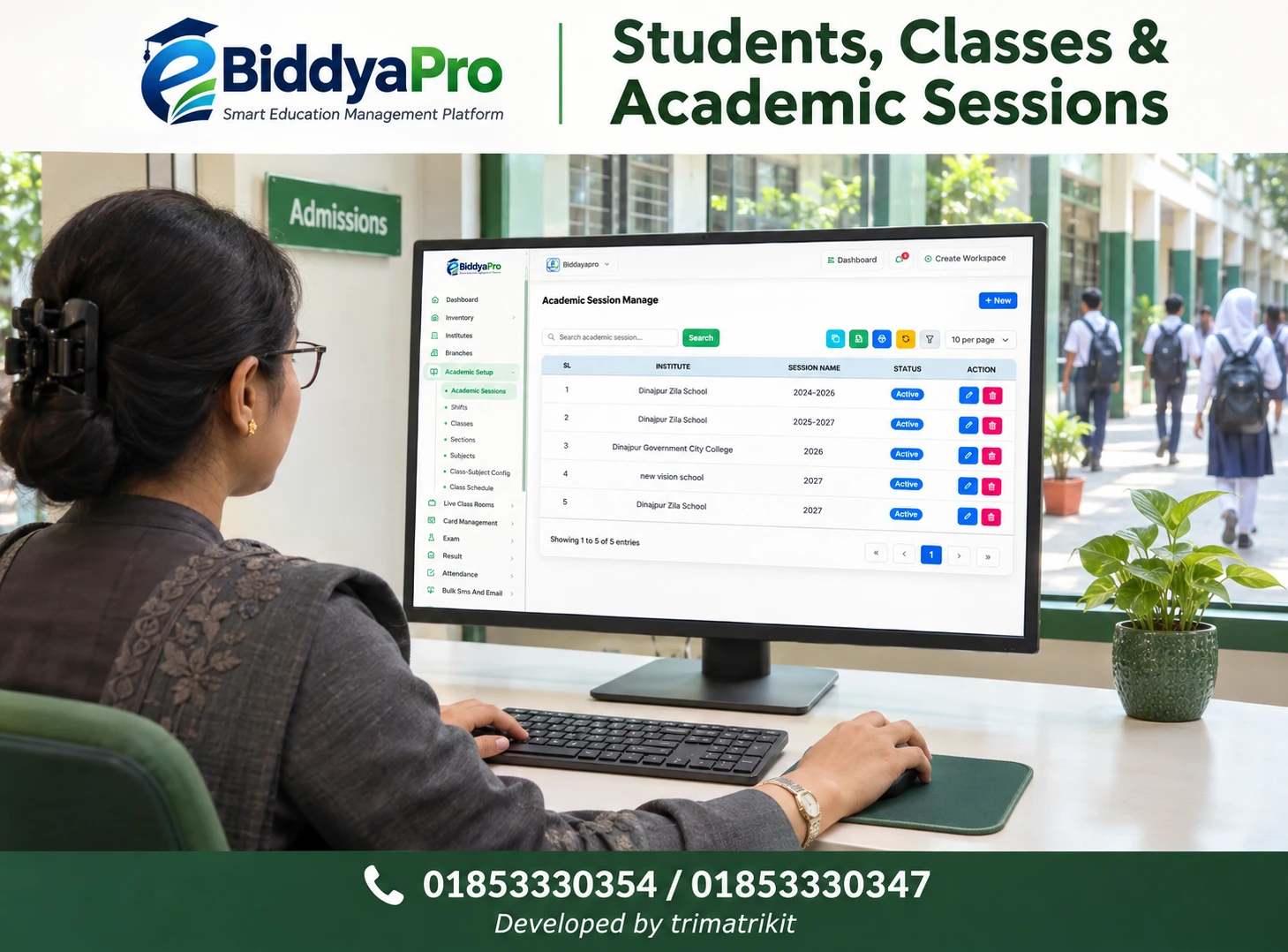
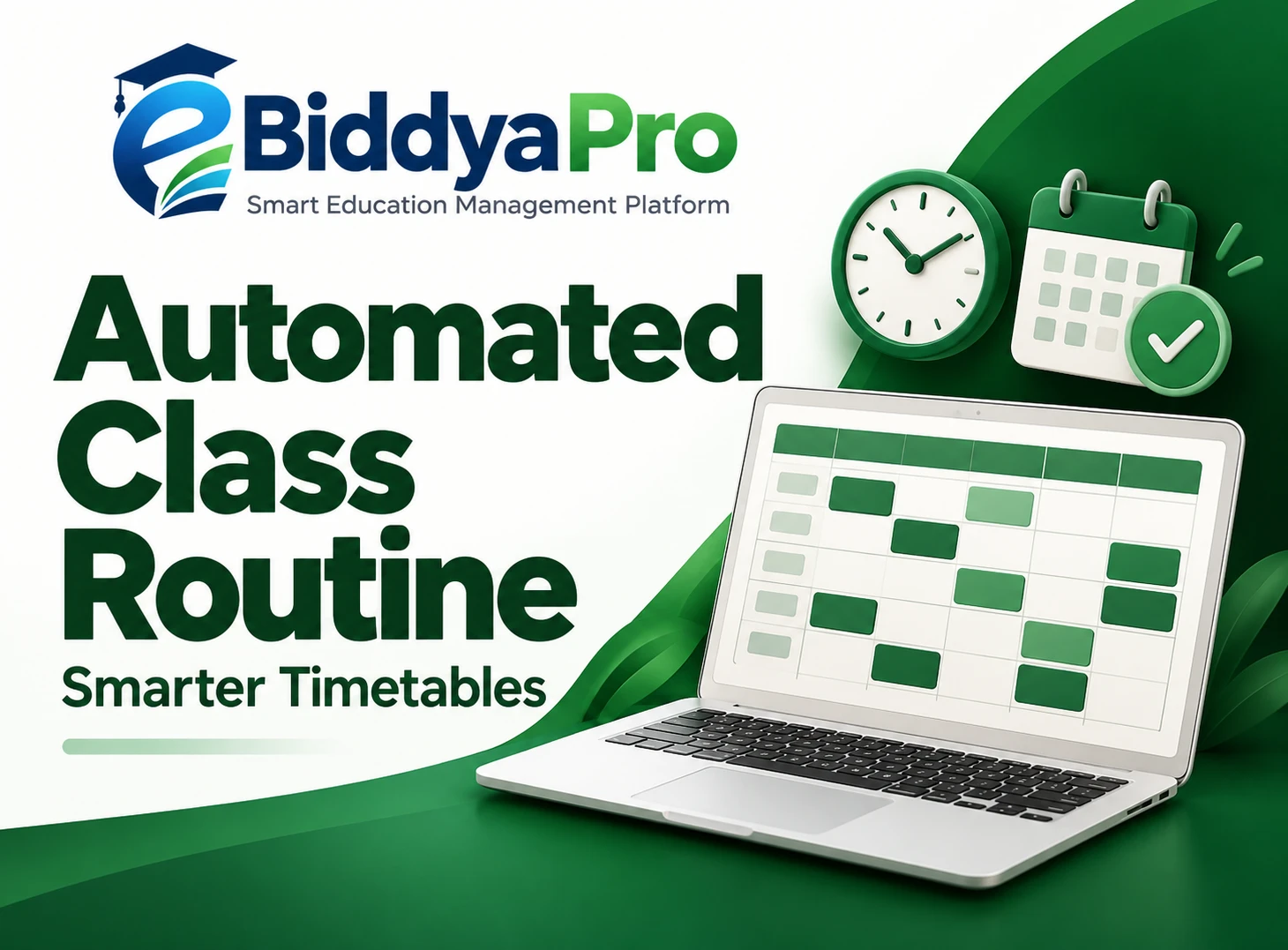
Class-Subject Configuration in eBiddyaPro gives administrators a place to define which subjects belong to each class before placing lessons on the timetable. The eBiddyaPro interface shows Subjects, Class-Subject Config, and Class Schedule as separate items under Academic Setup. That separation reflects three different decisions: which subjects exist in the institution’s records, which classes study them, and when the lessons take place. This guide explains how schools in Bangladesh can make those decisions in the right order and check that the published routine matches what students are meant to study.
What Is Class-Subject Configuration in eBiddyaPro?
Class-Subject Configuration is the process of linking an existing subject to the class that studies it. A subject record identifies the subject in the institution’s catalogue. A class-subject assignment makes the subject part of a particular class’s academic setup. A timetable entry then places a lesson into a day and period.
For example, an administrator might find Mathematics in the Subjects list. That record tells the school that Mathematics exists in its catalogue. The next question is whether the correct Mathematics record is assigned to Class Six in Class-Subject Config. The final question is whether the Class Six routine gives students the planned number of Mathematics lessons and assigns them to feasible slots. Each question belongs to a different part of the setup.
The distinction is especially useful when troubleshooting. If a subject exists in the catalogue but is missing from the expected scheduling options, the administrator can check the class assignment and the selected scheduling context before creating another subject record. Adding a duplicate may make the subject appear available temporarily while leaving the original configuration problem unresolved.
Why Bangladesh Schools Should Start with the Approved Subject Structure
Bangladesh schools should begin with the approved curriculum and subject structure for their own institution, grade, and academic year. The National Curriculum and Textbook Board publishes grade-specific textbook lists, including a 2026 list for secondary and higher secondary levels. The Directorate of Secondary and Higher Education has also published a notice covering revised subject structures, allocated marks, weekly period counts, and assessment guidance for Classes Six through Nine–Ten. These documents answer different questions: a textbook list helps identify materials for a grade, while the applicable subject structure and period guidance help inform what the school must plan to teach and how often.
A school should verify which instructions apply before copying period allocations into its planning records. A general secondary school, a madrasa, and a technical institution should not assume that the same list applies to all three. Similarly, a routine from a prior year may be a useful starting point for room and staff planning, but it does not establish which subjects or periods apply to the new session.
The practical sequence is to confirm the applicable guidance, have the academic team approve the class-wise subject plan, and then reflect that plan in eBiddyaPro. If the official subject name differs from the label staff use informally, agree on a consistent name before creating or editing records. This helps the timetable coordinator, subject teachers, and exam office recognize the same subject when they review the data.
Prepare the Subject Catalogue Before Assigning Subjects
Start in Academic Setup → Subjects and review the existing records for the intended institution. The supplied Subject Manage screen shows columns for institute, subject name, code, type, and status. Use those details to identify the correct record. If the list includes both “Math” and “Mathematics,” for example, verify whether they refer to the same offering before assigning either one. If they represent different papers, curricula, or institutional records, preserve the distinction and name it clearly.
Check the catalogue alongside the school’s approved class-wise plan. A school may have subjects that are offered only in certain grades or groups. Keeping those subjects in the catalogue is useful, but their presence does not mean every class should receive them. For the same reason, avoid duplicating a subject merely because multiple classes study it. Reuse the approved record where it represents the same subject and the institution’s setup permits it.
Subject naming also matters when a school distinguishes between papers or teaching components. If the academic team schedules two papers separately, the timetable coordinator needs to know whether the institution represents them as separate subject records or makes the distinction elsewhere in its planning. Agree on that convention before teachers begin entering schedules. Otherwise, one coordinator may book two periods under a general subject name while another looks for a separate paper and assumes it was omitted.
Assign Subjects to Classes Before Opening the Schedule
Once the catalogue is ready, open Academic Setup → Class-Subject Config. Work from one approved class list at a time. Select the relevant institution and class wherever those fields are provided, then associate the correct subject records using the controls available in your deployment. If the configuration screen offers additional selectors, verify what they control before assuming an assignment applies across sessions, shifts, branches, sections, or groups.
After saving the assignments for a class, compare the saved records with the academic team’s source plan. Look for missing subjects, unexpected entries, and duplicated names. If the school offers different subjects to different groups within a grade, verify how those differences are represented in your setup before creating the schedule. The supplied interface confirms the menu names, but it does not establish that all versions of the configuration screen expose the same fields or apply the same rules to groups and sections.
A good first test is to use one familiar class. Choose a subject that belongs to that class and another that does not. Review the saved configuration, then open Class Schedule and check what appears for the intended class and any relevant filters. This helps your team understand how its eBiddyaPro workspace presents the configured subjects before it spends time building a full routine.
Turn the Approved Subject List into a Weekly Period Plan
Knowing what a class studies is only the first part of timetable planning. The school still needs to decide how many times each subject should appear during the week and which lessons require a particular teacher, room, or consecutive block. Use the applicable official guidance and the school’s approved plan to establish those requirements. If weekly allocations are maintained outside your eBiddyaPro configuration screen, keep that planning record available while building and checking the routine.
Consider an illustrative Class Seven example. The school’s approved plan calls for four Mathematics lessons each week, but the draft timetable contains only three. All the visible slots may be occupied, so the omission is easy to miss when reviewing the routine day by day. Comparing the draft with the period plan immediately reveals the shortfall. The coordinator can then determine whether another subject was overallocated or whether the school needs to review how it uses the available slots. The four-period figure is illustrative, not an official allocation.
A separate capacity check is equally valuable. If the weekly instructional plan requires more periods than a shift provides, moving lessons around will not resolve the shortage. Count the teaching slots available after breaks, assembly, and other fixed activities, then compare that capacity with the total demand. Where a subject requires a laboratory or a double period, check whether the available slots are suitable as well as sufficient.
Check Teacher, Room, and Shift Constraints Together
Correct class-subject assignments make it easier to calculate demand before a timetable is published. For instance, if the same teacher handles a subject for three sections, count the total periods that teacher must cover across all three. A routine can look valid when each section is viewed individually but still assign the same teacher to two classrooms at the same time. Check the combined timetable against the teacher’s availability, including responsibilities in another shift or branch where relevant.
Rooms can create the same problem. If two classes share one science laboratory, both lessons might fit on their respective class routines while conflicting on the laboratory schedule. Reserve the most constrained resources early. Then place lessons that can use ordinary classrooms around them. Where a school runs morning and day shifts, compare actual start and end times when staff or facilities are shared. “Period 2” is a label; it does not necessarily refer to the same clock time in both shifts.
For a school with several campuses, a common naming convention can help administrators read schedules across locations. Local teacher availability and room capacity still need separate checks. The benefit of a consistent setup is that campus teams can compare schedules without guessing whether two different labels refer to the same subject.
Publish the Routine Only After Reviewing Coverage and Conflicts
Before sharing the routine, review it from the perspective of students, teachers, and the rooms they use. For students, compare scheduled lessons with the approved subject list and weekly allocations. For teachers, check that every assignment falls within a workable timetable. For shared rooms, confirm that two groups are not scheduled to use the same space at once. If one check fails, trace the cause to the right part of the setup before changing anything.
A useful review separates curriculum corrections from timetable adjustments. If a teacher needs to move Wednesday’s English lesson to Thursday, that is a timetable change. If the academic team decides that a particular subject should no longer apply to a class, that changes the underlying assignment and requires a broader review. Before making that change, check any schedules or related academic records that may use the assignment in your deployment. Confirm the effective date and keep a record of what was approved.
At the start of a new academic session, compare the previous configuration with the new approved plan rather than treating last year’s setup as a template that needs only a date change. Sections may have been added, staff may have moved, and official instructions may differ. Starting with one class and checking the entire sequence from Subjects to Class-Subject Config to Class Schedule gives the school a process it can repeat for the rest of the institution.
Frequently Asked Questions
1. What is Class-Subject Configuration in eBiddyaPro?
It is the academic setup step that links subject records to the classes that study them. It helps administrators establish class-wise subject coverage before deciding when each lesson will take place.
2. Where is Class-Subject Config in eBiddyaPro?
In the supplied eBiddyaPro interface, Class-Subject Config appears under Academic Setup, alongside Subjects and Class Schedule. The visible controls inside each page may depend on your deployment and access.
3. What is the difference between adding a subject and assigning it to a class?
Adding a subject creates its catalogue record. Assigning it to a class establishes that the class studies that subject. Scheduling then places one or more lessons into the routine.
4. Why should schools complete class-subject setup before making a timetable?
It gives the timetable coordinator an approved list to work from. Without it, a routine can contain a lesson the class should not study or omit a required subject while still appearing fully booked.
5. Can the same subject be used for more than one class?
A subject can belong to more than one class. Where the same approved subject record represents those offerings, use it for each applicable class rather than creating a duplicate solely because another class also studies it.
6. What should I check if a subject is missing from Class Schedule?
Confirm that the intended subject record exists, has the appropriate status, and is assigned to the correct class. Then check the institution and other filters shown in the schedule. A missing option is a reason to verify the configuration before adding a new subject.
7. Does Class-Subject Config automatically build the timetable?
The supplied interface shows configuration and scheduling as separate functions. It does not establish automatic timetable generation or conflict detection. Verify those capabilities in your workspace before planning around them.
8. How should a Bangladesh school determine weekly period counts?
Start with the official subject structure and weekly period guidance applicable to the institution, grade, and academic year. The DSHE notice on revised secondary subject structures illustrates why period counts should be checked separately from textbook lists.
9. Is the NCTB textbook list enough to design a school timetable?
It is a useful reference for identifying books by grade. The timetable also requires the applicable subject structure, weekly allocations, and local decisions about staffing, rooms, and teaching times.
10. How do schools handle compulsory and optional subjects?
Start with the approved plan for each group of students. Verify how your eBiddyaPro workspace distinguishes common subjects from group-specific or optional offerings before assigning them. Then check that the schedule reflects the distinction.
11. Are a class and a section the same thing in timetable planning?
No. A class typically identifies the grade, while a section identifies a cohort within it. Sections may follow the same subject plan but require different teachers, classrooms, or period slots.
12. Can morning and day shifts use the same subject plan?
They can when the school’s approved curriculum and offerings are the same. Their routines may still differ because teachers, rooms, and usable teaching slots vary between shifts.
13. Should each campus have a separate subject catalogue?
Follow the way institutions and branches are represented in your workspace. Keep naming consistent where the same subject is taught, and preserve campus-specific differences where offerings, staffing, or curricula genuinely differ.
14. What is the best way to prevent duplicate subject records?
Search by subject name and code before adding a new entry. Compare the institution and subject type, and agree on a naming convention for abbreviations and separate papers before staff start making assignments.
15. How can administrators check whether all weekly periods are covered?
Compare the number of scheduled lessons per subject with the approved allocation for each applicable class, section, or group. A filled timetable grid does not show whether each subject received its intended share.
16. What should a school do when two classes need the same teacher at the same time?
Review both class routines against the teacher’s complete schedule. Move one of the lessons to an available slot while preserving required coverage, and check whether the change creates a new room or student conflict.
17. How should practical subjects be scheduled?
Confirm their room, equipment, staffing, and duration needs before placing them. If a lesson requires a laboratory or consecutive periods, reserve a workable slot early and check it against all other bookings for the same space.
18. Can schools reuse last year’s class-subject setup?
Yes, as a reference. Compare it with the new session’s approved subjects, period counts, group offerings, and staff arrangements before carrying it forward. Record any differences so timetable coordinators know which changes are intentional.
19. What if a subject assignment needs to change after the routine is published?
Confirm the approved change and its effective date first. Review the schedule and any related academic records that may use the assignment in your workspace. Then update the affected routine and share the correct version with the people who use it.
20. Who should approve the class-wise subject plan?
A practical division of responsibilities is for the academic lead to approve subject coverage, relevant teachers to confirm teaching and resource needs, and the authorized eBiddyaPro administrator to record the configuration. The timetable coordinator can then validate the draft against that plan.
21. What should an administrator test before setting up every class?
Start with one representative class. Verify its subject records, save the approved assignments, and inspect the scheduling options. Compare a sample weekly routine with the planned periods and check at least one shared teacher or room before applying the same process to other classes.
A dependable school routine starts with an approved answer to one question: What should this class study? Once that answer is recorded in eBiddyaPro, the timetable team can check how many lessons are needed, where they fit, and whether staff and rooms are available. Resolving those questions before publication gives teachers a routine they can follow and gives administrators a clear basis for making changes when the school’s needs evolve.
Recent Post