EAS Security
 EAS Gate
 Security Tag
 EAS Accessories
 Gadgets
 Convex Mirror
 Road Barrier
 Burglar Alarm
 Calling System
Monitoring Attendance Device Connections Across Branches with eHajira
November 09, 2026

Monitoring Attendance Device Connections Across Branches with eHajira
An employee records a fingerprint at a branch office, hears the confirmation sound, and starts work. At head office, however, the HR team cannot see the punch. The terminal may have accepted the attendance locally while its connection to the central system was interrupted. Without checking the connection and the underlying records, HR could mistake a technical delay for an attendance problem.
This is why attendance device monitoring matters for organizations operating across several locations. A central team needs to understand which terminals are communicating, where an interruption has occurred, and whether attendance records have reached the system.
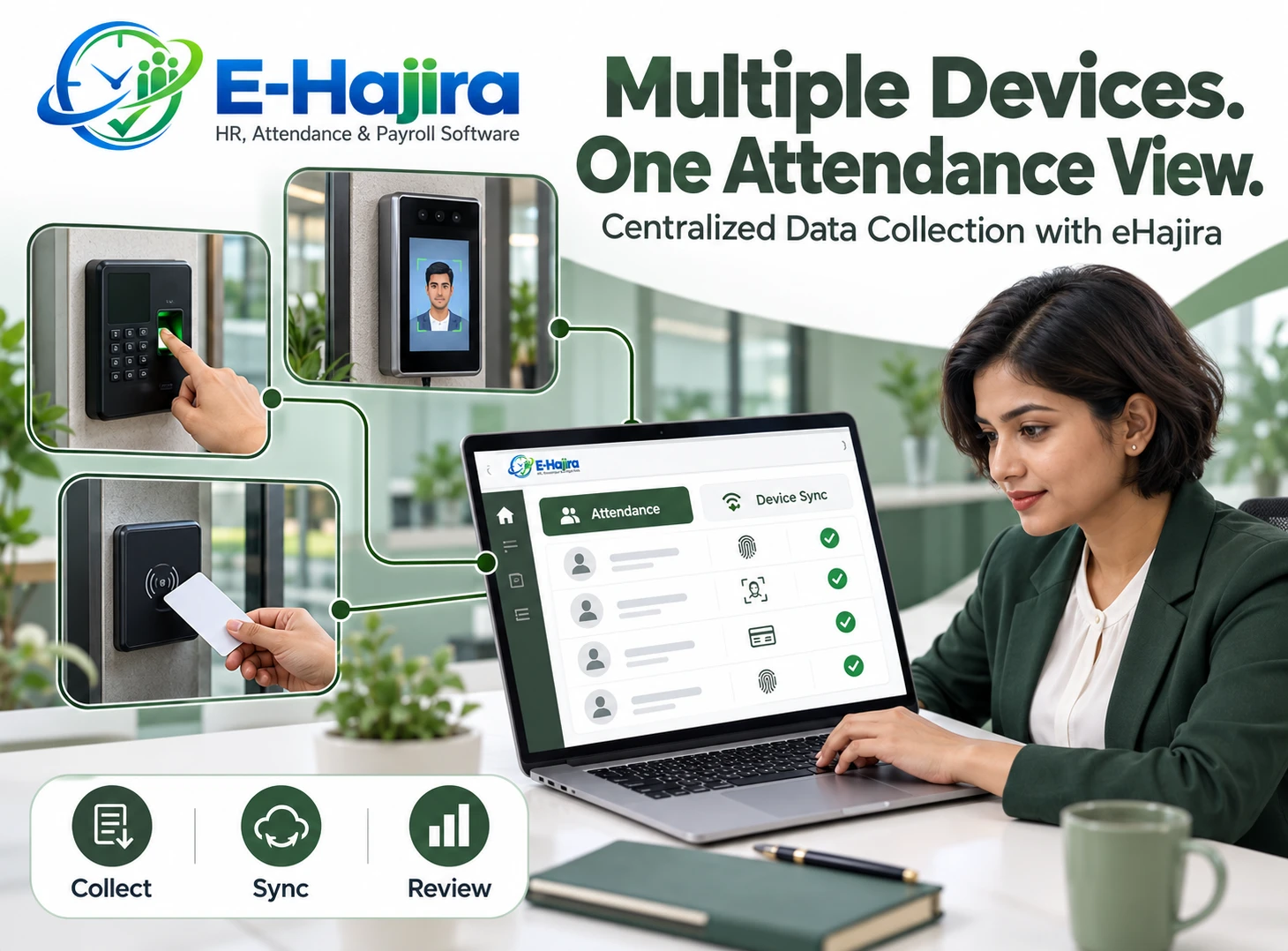
eHajira provides a relevant setting for this work through its attendance and device management functions. Its published product information describes multiple branches within one workspace, device registration, synchronization status, and synchronization history. The exact functions available should be confirmed for the organization’s devices and configuration.
This guide explains how Bangladesh organizations can approach attendance device connection monitoring with eHajira, interpret a page that refreshes every 30 seconds, and coordinate HR and technical follow-up without confusing connectivity with completed attendance processing.
What Attendance Device Connection Monitoring Means
Connection monitoring provides information about communication between an attendance terminal, its integration service, and the software receiving its data. It helps an organization recognize when a device may need attention.
For an eHajira implementation, the relevant connection path depends on the terminal and integration method. Some arrangements may communicate directly with a server, while others involve a local computer or intermediary service.
A connection indicator should therefore be understood according to its actual definition. It might reflect recent communication rather than a continuous test of every function. During implementation, the organization should ask what evidence causes a device to appear connected and how long communication can stop before its status changes.
Why Multi-Branch Organizations Need Central Visibility
When devices are spread across offices, outlets, factories, or warehouses, head office cannot inspect every terminal physically. A branch may continue using a machine without realizing that its records are no longer reaching the central system.
Central visibility helps HR identify where to investigate. Instead of calling every location about missing records, staff can begin with the affected device and branch.
For eHajira, the practical benefit depends on accurate device registration and branch assignment. A terminal should have a recognizable name and a clearly identified location. Otherwise, an offline indicator may identify a machine technically while leaving staff uncertain about who should inspect it.
Bangladesh Operational Conditions to Consider
Organizations in Bangladesh may operate locations with different internet services, power arrangements, technical support, and working hours. An office with an onsite IT team has different support needs from a small outlet managed by one supervisor.
The monitoring process should reflect those differences. A branch without dedicated technical staff needs simple instructions for reporting the device condition and contacting support.
Businesses should assess their own locations rather than assuming that every branch faces the same problem. When planning eHajira, document the connection method, responsible person, operating hours, and practical support arrangements for each site. This gives the central team useful context when a connection changes.
Understanding the 30-Second Auto-Refresh
The Attendance Devices page wording provided for this topic states that the connection view automatically refreshes every 30 seconds. This describes how frequently the page requests updated information while the feature is operating as intended.
It does not establish that every punch reaches eHajira within 30 seconds. Device communication intervals, network conditions, integration processing, and the method used to determine status can introduce separate delays.
The organization should also verify how the page behaves when the browser loses internet access or the session expires. A visible page may contain older information if its updates stop. Staff should understand any available refresh or freshness indicators before relying on the display.
Separate Connectivity from Attendance Synchronization
A device can communicate successfully while a particular attendance record remains unavailable. The problem might involve an employee identifier, a delayed upload, a filter, or processing after collection.
Likewise, a temporarily disconnected terminal may still hold locally recorded punches, depending on its capabilities and configuration. Offline status alone does not prove that attendance data has been lost.
eHajira’s developer guidance specifically advises buyers to verify offline behavior, delayed uploads, duplicate handling, and timestamps. These should be tested with the actual device and integration rather than assumed from a general product description.
Build a Clear Device Register
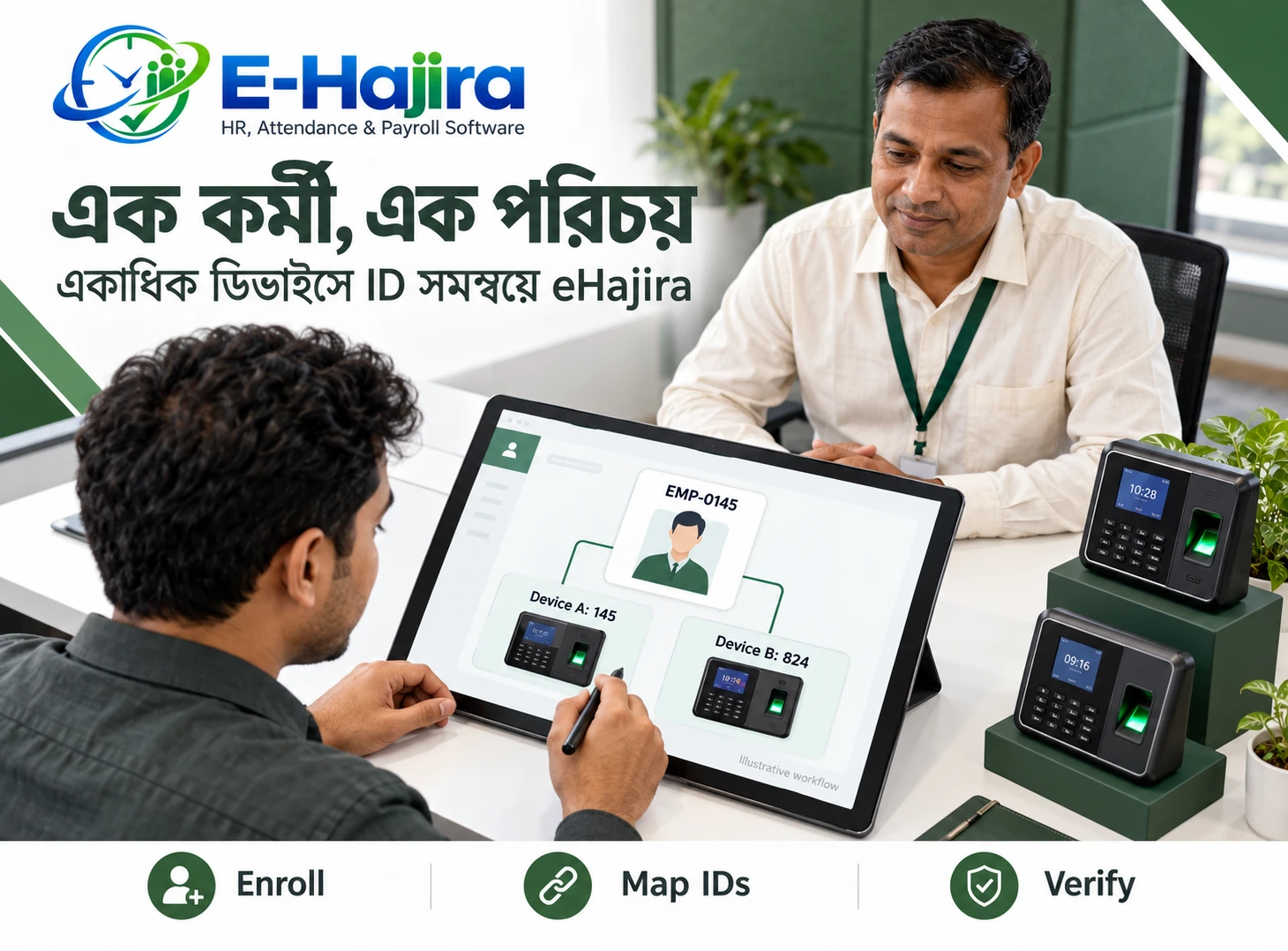
Before relying on connection monitoring, establish an accurate inventory of attendance terminals. Each device should have an identifiable location, model, serial number, branch assignment, and support contact.
Names such as “Device 1” become difficult to manage as the organization grows. A name such as “Uttara Office Main Entrance” makes an issue easier to explain during a support call.
In eHajira, confirm which identifiers and location fields are available and how they relate to the device connection. Keep the administrative record aligned with the physical installation when a terminal is replaced, moved, or retired. Old entries should not create unnecessary confusion.
Verify Exact Device Compatibility
Compatibility should be evaluated at the level of the actual terminal and required operation. A familiar hardware brand does not guarantee that every model supports the same communication method.
The device model, firmware, supported protocol, and integration arrangement can affect what is possible. Collecting attendance logs is also different from transferring employees or biometric templates.
eHajira’s developer guidance emphasizes these distinctions and recommends demonstrating the required operation using the actual devices. It also describes limitations associated with a PC LAN-agent connection, reinforcing the need to verify each transfer path separately.
Interpret Offline Status Carefully
An offline indicator is a reason to investigate communication. It is not a complete diagnosis of the terminal.
Possible explanations include loss of device power, a disconnected network cable, an internet interruption, incorrect communication settings, or an unavailable intermediary service. The relevant possibilities depend on the installation.
The HR team should record what it observes in eHajira and ask the branch contact for basic confirmation. Is the terminal powered on? Can staff use it? Did the branch recently change its router or internet service? This information helps technical staff investigate without immediately changing settings or disturbing stored attendance records.
Understand Direct and Agent-Based Connections
A device that communicates directly with a supported server has a different connection path from a terminal that depends on software running on a local computer.
In an agent-based arrangement, the terminal may be functioning while the intermediary computer is switched off or its service has stopped. The central system could then receive no new attendance data even though employees continue punching.
For eHajira, ask the implementation team to explain the full path in plain language. Branch staff should know which components must remain available. Head office should also know whether the status refers to the terminal itself, an agent, or another communication endpoint.
Review Server and Network Settings with Technical Support
Communication settings need to match the supported installation. An incorrect destination address or related network configuration can prevent a device from reaching the receiving service.
ZKTeco’s official support material discusses ADMS server address configuration as a factor in devices appearing offline in its own software. This is useful background for compatible installations, but it is not a universal instruction for every eHajira device.
Technical staff should use the model-specific documentation and approved eHajira configuration. Avoid copying addresses, ports, or instructions from an unrelated installation. Changes should be recorded so the team can understand what was altered during troubleshooting.
Coordinate HR, Branch Staff, and IT
Each team contributes different information. HR knows which attendance records are missing. Branch staff can inspect the physical terminal. Technical support can assess communication and integration services.
A useful escalation identifies the branch, device, observed status, approximate problem period, and examples of affected punches. Employee information should be shared only through approved support channels and only to the extent required.
For eHajira users, this coordinated process turns a connection indicator into a practical investigation. It also reduces repeated calls in which each person asks the same questions without receiving a clear account of the problem.
Verify Records After the Connection Returns
A restored connection is an important recovery step, but it does not establish that every delayed attendance record has arrived.
After recovery, review the affected period. Check whether expected records appear, whether timestamps remain correct, and whether employee identifiers map to the intended people.
Use the available eHajira synchronization history and attendance logs to support this review. If the installation provides record counts or errors, interpret them according to their definitions. A successful communication event should not be treated as proof that an entire backlog was collected unless the evidence supports that conclusion.
Handle Delayed Uploads Without Creating Duplicates
During an interruption, branch staff may use an approved temporary record or request an attendance correction. Later, the original device punch may arrive.
The organization needs a method for reconciling these records. Otherwise, a technical delay can produce duplicate entries or inconsistent daily results.
Before rollout, test how the eHajira installation handles repeated uploads and late-arriving punches. Staff should also know how an approved correction relates to subsequently collected device data. Do not assume that every duplicate scenario is resolved automatically; verify the behavior and establish who reviews exceptions.
Pay Attention to Device Time and Night Shifts
A connected device can still record incorrect times if its clock or time configuration is wrong. The communication indicator does not validate the accuracy of the punch timestamp.
For Bangladesh operations, confirm the intended local time and how the integration interprets device timestamps. Organizations operating internationally need additional clarity about branch time zones.
Night shifts require particular care because entry and exit may occur on different dates. If a connection interruption delays the exit punch, HR should review the full shift period in eHajira rather than treating the date change alone as evidence of a missing record.
Protect Attendance Records During Troubleshooting
Troubleshooting should begin with observation and diagnosis. Deleting logs, resetting a terminal, or changing employee identifiers can make recovery more difficult.
Before a disruptive action, technical staff should understand the records still stored on the device and the supported backup method. The appropriate steps depend on the specific hardware.
In an eHajira incident, preserve useful evidence such as the affected time period, available raw records, and synchronization results. This helps the organization distinguish a communication failure from a configuration problem and supports later review if attendance or payroll questions arise.
Use Connection Monitoring Before Payroll Review
Device monitoring can help HR recognize an incomplete data source before finalizing attendance. A branch-wide interruption may explain why several employees appear to have missing punches during the same period.
Before using those records for payroll inputs, establish whether the device data is complete. Where recovery remains pending, apply the organization’s approved exception process and document the outstanding issue.
eHajira connection status should support this review, while payroll decisions remain based on verified records and authorized rules. A disconnected terminal is not evidence that every employee at that branch was absent.
Evaluate Monitoring with a Realistic Pilot
A useful pilot should test normal operation and recovery. Record an authorized sample punch, confirm its collection, and observe how the device status is represented.
Then arrange a controlled communication interruption with the implementation team. Observe when the status changes, whether the terminal continues recording, and what happens after reconnection.
The objective is to understand the organization’s actual eHajira configuration. Record the difference between page refresh timing, connection detection, attendance upload, and final reporting. These observations provide a stronger basis for staff training than a general promise of real-time operation.
A Practical Multi-Branch Example
Consider a fictional business with offices in Dhaka and a warehouse in Gazipur. HR notices that warehouse attendance records have stopped appearing, while employees report successful punches.
The eHajira connection view directs attention to the warehouse installation. The branch supervisor confirms that the terminal is powered on, and technical support identifies an interruption in the communication path.
After service returns, HR verifies punches from the affected period and reviews any temporary corrections. The incident is closed when both communication and attendance completeness are confirmed. This example illustrates the process; the available indicators and recovery functions depend on the actual installation.
Frequently Asked Questions
1. What does attendance device connection monitoring show?
It provides information about communication with the registered attendance installation. The precise meaning depends on how status is calculated, so ask the eHajira team what qualifies a device as connected or disconnected.
2. Can eHajira support several branches?
Published eHajira information describes multiple branches within one workspace. Confirm the device assignments, access permissions, and consolidated views required for your organization during implementation.
3. What does a 30-second auto-refresh mean?
It means the page is designed to request updated information at that interval. It does not guarantee that device detection, punch upload, and attendance calculation all finish within 30 seconds.
4. Does connected mean all attendance is synchronized?
No. Connection status and attendance completeness answer different questions. Review relevant punches and synchronization evidence before concluding that all records for a period have arrived.
5. Does offline mean attendance has been lost?
Not necessarily. Some terminals retain records locally, but storage and recovery depend on the model and configuration. Verify offline behavior rather than assuming that either loss or recovery is guaranteed.
6. Why might a working terminal appear offline?
The terminal may accept punches locally while its communication path is interrupted. Power to network equipment, internet access, server settings, or intermediary services may need investigation.
7. Can refreshing the page repair a connection?
Refreshing can update the displayed information. It does not repair a disconnected cable, unavailable service, or incorrect terminal setting. Address the underlying cause through the appropriate technical process.
8. Should HR restart a device immediately?
Start by recording the issue and checking with the responsible technical team. A restart may be appropriate in some situations, but it should follow an understood procedure that protects attendance records.
9. Are all ZKTeco terminals compatible?
Compatibility should be confirmed for the exact model, firmware, communication method, and required function. Brand recognition alone is insufficient evidence that an installation will work as expected.
10. Can the device be connected while employee punches are missing?
Yes. Investigate the employee identifier, upload process, reporting filters, and processing rules. A successful connection does not validate every individual attendance record.
11. Can head office identify the affected branch?
Clear branch assignments and device names can support that investigation. Confirm how the required information appears in your eHajira configuration and keep the register updated after equipment changes.
12. Are automatic offline alerts included?
Do not assume that a connection dashboard includes SMS, email, or push alerts. Confirm available alert channels, thresholds, recipients, and costs separately if the organization requires them.
13. Does eHajira show connection history?
Published information describes synchronization history, which differs from a complete connection timeline. Ask which historical connection events and timestamps are available in the proposed setup.
14. How should a branch report an issue?
Provide the device identity, observed condition, approximate time, and relevant attendance examples through an approved channel. Clear information helps HR and technical support investigate efficiently.
15. What should happen after reconnection?
Verify delayed records for the affected period. Review employee mapping, timestamps, and exceptions before closing the incident or relying on the data for attendance conclusions.
16. Can delayed punches conflict with corrections?
They can require reconciliation if staff created temporary or corrected records during the interruption. Test the installation’s behavior and assign responsibility for reviewing late-arriving data.
17. Does connection status validate the device clock?
No. A terminal can communicate while recording an incorrect time. Check time configuration separately and verify how the integration interprets the stored timestamps.
18. How should night-shift interruptions be reviewed?
Review the entire assigned shift across both dates. A delayed exit punch after midnight should be assessed against the shift arrangement and raw records, not only the calendar date.
19. Is a local computer always necessary?
That depends on the integration method. Some arrangements use an intermediary computer or agent, while others may not. Ask the implementation team to explain the required components.
20. Can an offline device justify absence deductions?
Offline status alone does not establish employee absence. HR should verify the underlying attendance evidence and follow the organization’s approved review process before preparing payroll inputs.
21. What should organizations budget for?
Request a quotation covering the required software configuration, device integration, network work, training, and support. Confirm device limits and any additional service charges for the proposed installation.
22. What is the best demonstration to request?
Ask for a controlled example showing a sample punch, a temporary communication interruption, status updates, reconnection, and record recovery. Use the actual device model wherever possible.
Discuss Your Branch Monitoring Requirements
An effective eHajira implementation should help staff identify communication problems and verify what happened to the affected attendance records. Clear device names, defined responsibilities, and tested recovery procedures make the connection view more useful.
To discuss attendance device integration and monitoring across your branches, contact 01853330354 / 01853330347 and request a demonstration based on your actual terminals and branch arrangements.
Recent Post