EAS Security
 EAS Gate
 Security Tag
 EAS Accessories
 Gadgets
 Convex Mirror
 Road Barrier
 Burglar Alarm
 Calling System
How to Reduce Employee Attendance Errors with HR Software
November 15, 2026

How to Reduce Employee Attendance Errors with HR Software
An employee arrives on time, scans at the attendance terminal, and completes the working day. At the end of the month, the attendance report shows an absence. Another employee works an overnight shift, but the next morning’s check-out appears against a different date. HR then spends valuable time investigating records, collecting explanations, and correcting payroll inputs.
These situations show why attendance accuracy requires more than purchasing a device or replacing a paper register. Employee identities, device connections, shift assignments, leave approvals, and correction procedures must work together.
For businesses in Bangladesh, HR software such as eHajira provides a relevant platform for organizing this process. Its published materials describe attendance synchronization, shift and roster management, reporting, and related HR functions. However, reducing errors depends on correct implementation and routine review, not on software availability alone.
This guide explains practical ways to reduce employee attendance errors with eHajira. It distinguishes recorded punches from attendance results, examines common causes of discrepancies, and describes how Bangladesh organizations can build a more dependable review process.
What Counts as an Employee Attendance Error?
An attendance error occurs when a record or calculated result does not accurately represent the relevant attendance event under the applicable rules.
The problem might begin during collection. An employee may forget to check out, a terminal may store the wrong time, or a device record may not reach the central system.
Alternatively, the punch may be correct while the interpretation is wrong. The employee could be assigned to an incorrect shift, an approved leave record might be missing, or a report filter might exclude the relevant information.
These situations require different solutions. Adding a manual attendance entry will not resolve an incorrect shift definition, while changing the shift will not recover a punch that was never recorded.
Why Attendance Accuracy Matters for Bangladesh Businesses
Bangladesh organizations may operate fixed office schedules, rotating factory shifts, hospital duties, retail opening and closing teams, or field-service assignments. Each working arrangement creates different attendance situations.
A consistent process helps HR explain records to employees and provide dependable information for management review. It also reduces the risk of unresolved discrepancies being carried into salary preparation.
The financial consequences deserve careful attention. International Labour Organization guidance emphasizes transparent wage calculations, including clear explanations of deductions and net amounts due. This supports reviewing attendance-related payroll inputs carefully; it does not establish a specific deduction rule for every Bangladesh employee.
Businesses should investigate attendance differences before using them to make pay-related decisions.
Understand Raw Punches and Calculated Attendance
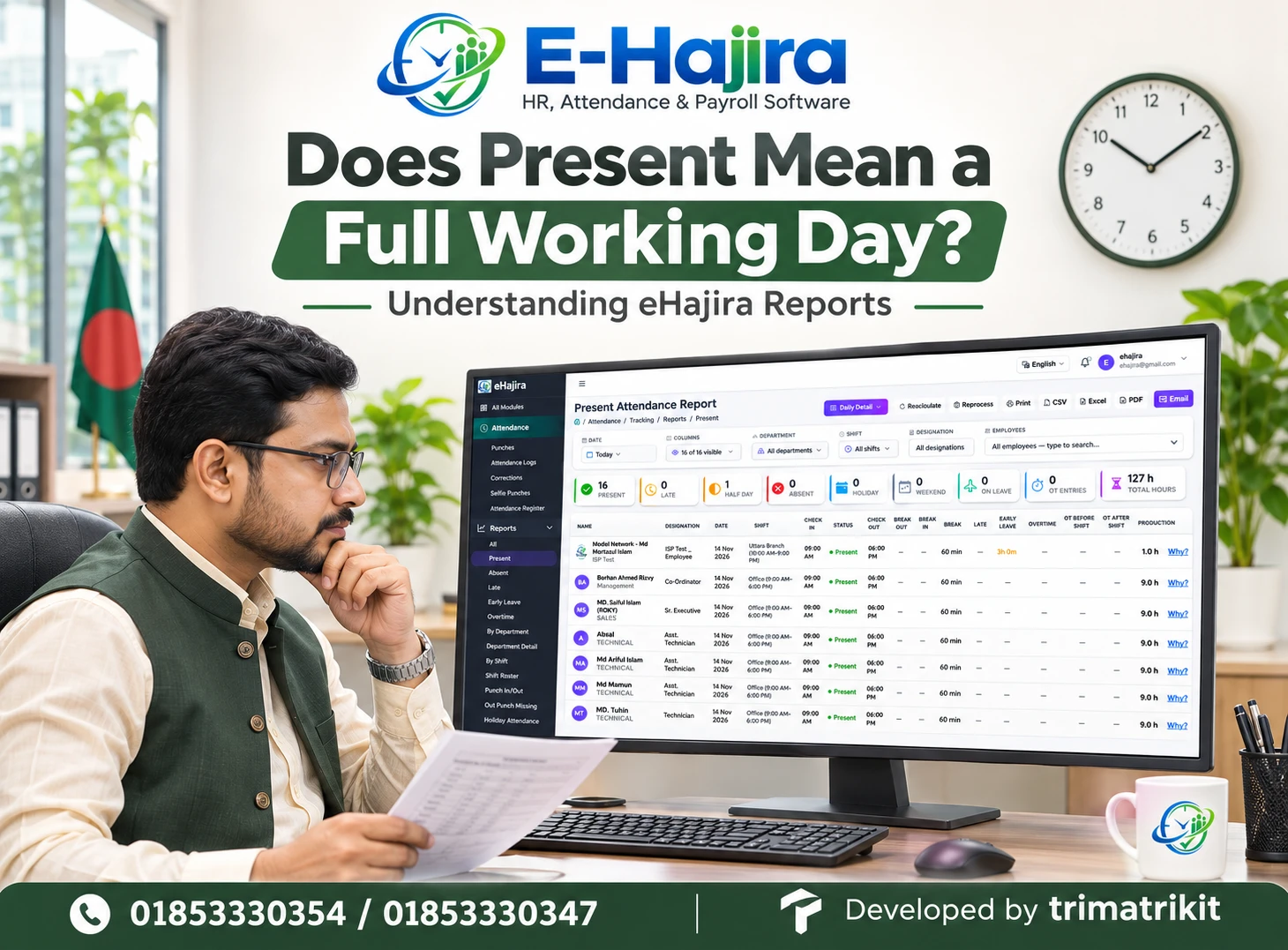
A raw punch records an event, such as an employee checking in at a particular time. A daily attendance result interprets available events using schedules and configured rules.
An employee might have several punches on the same day. The software must determine how those events relate to the assigned shift and any relevant break arrangement.
The eHajira developer’s buyer guide discusses retaining raw punches, reviewing daily results, and testing recalculation when punches or shift information change. These distinctions are important when investigating discrepancies.
HR should therefore examine both the original information and the resulting attendance record. A summary status alone may not reveal where the problem began.
Start with Accurate Employee Identities
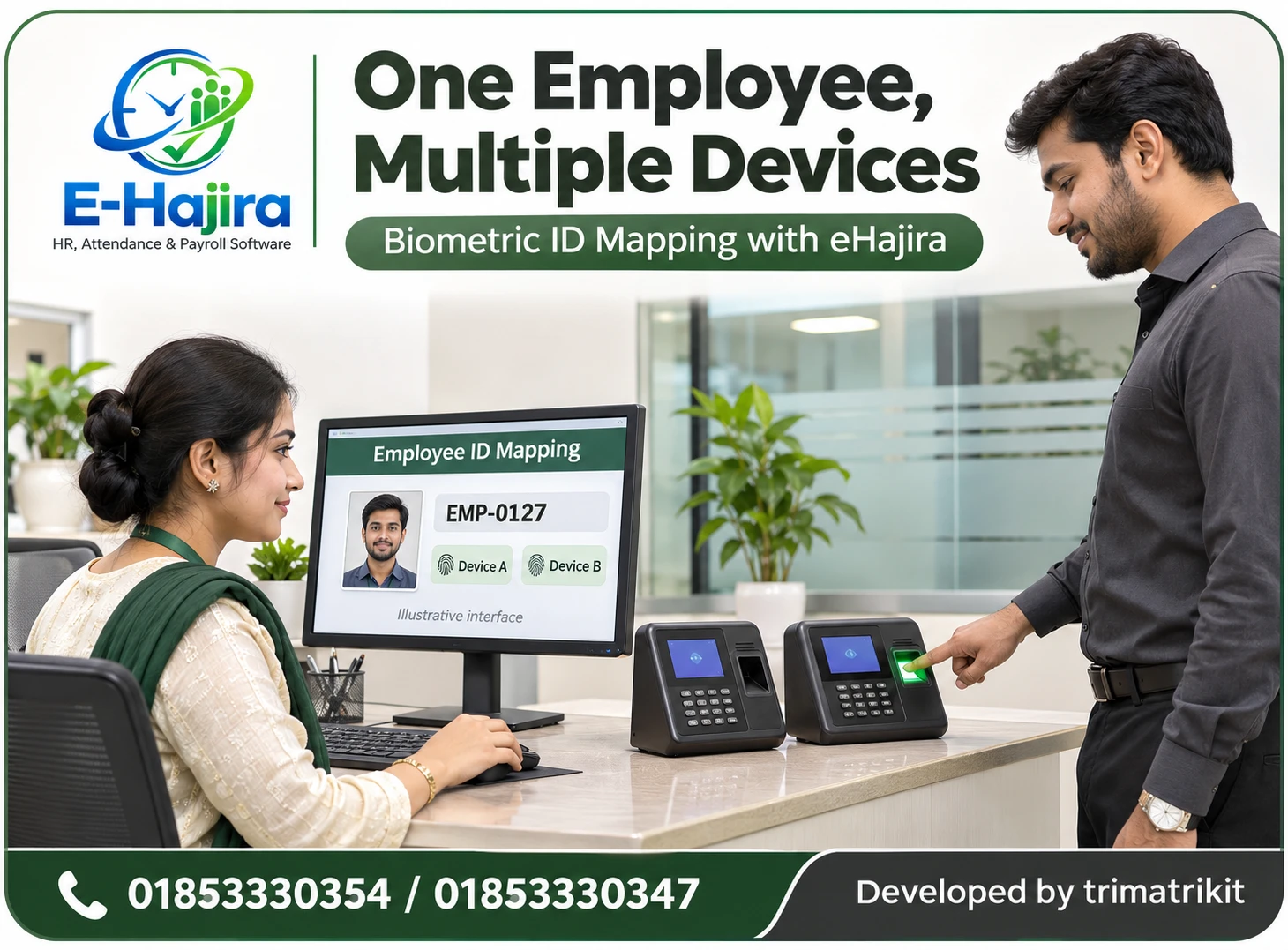
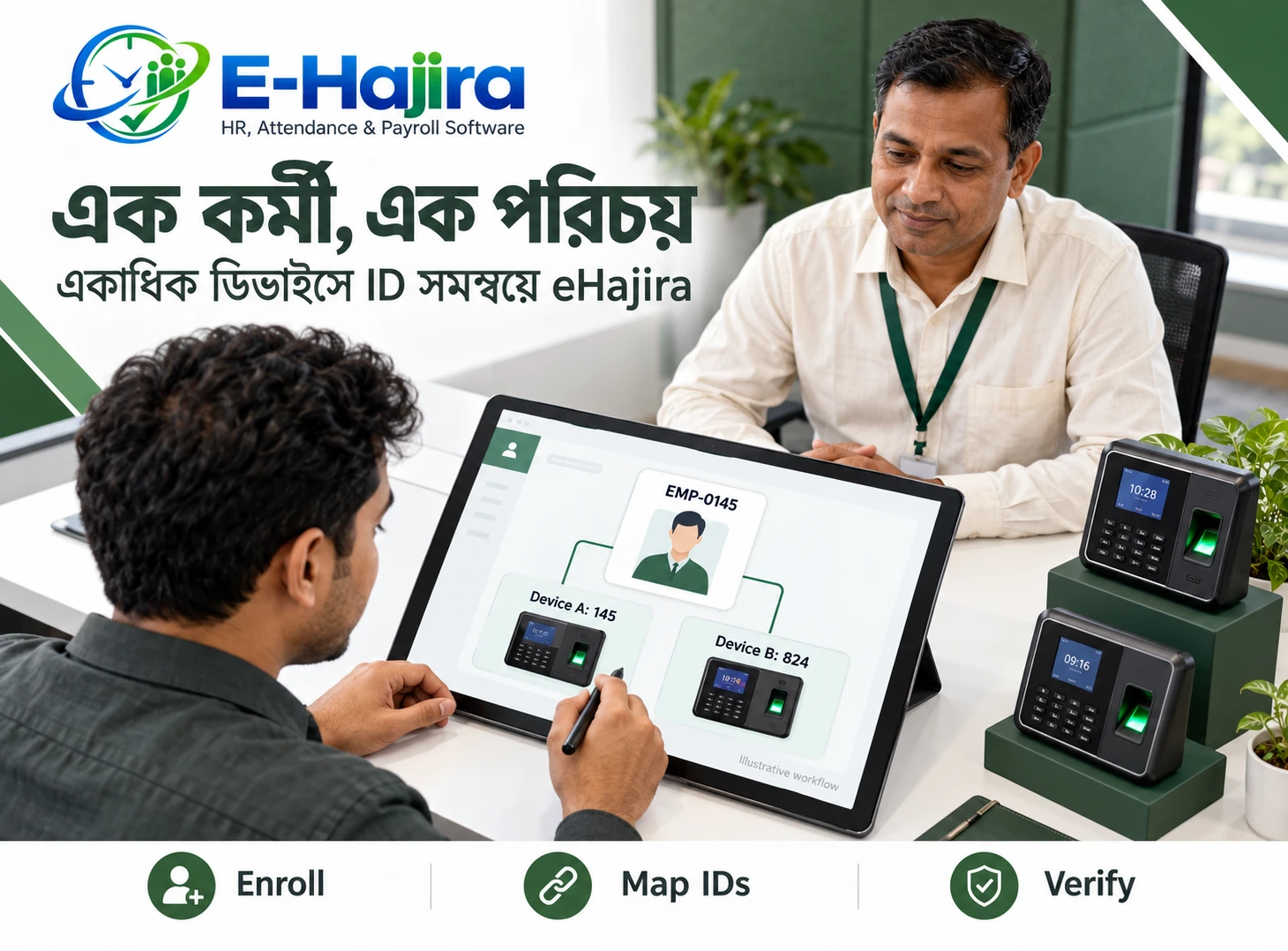
Attendance records need to connect to the correct employee. Duplicate profiles, inconsistent identifiers, and incorrect device mappings can make genuine punches appear missing or associate them with another record.
Organizations should establish a consistent employee identifier and understand how it relates to identifiers stored on attendance devices.
Names alone are not a dependable matching method. Employees may share similar names, and spelling may differ between records.
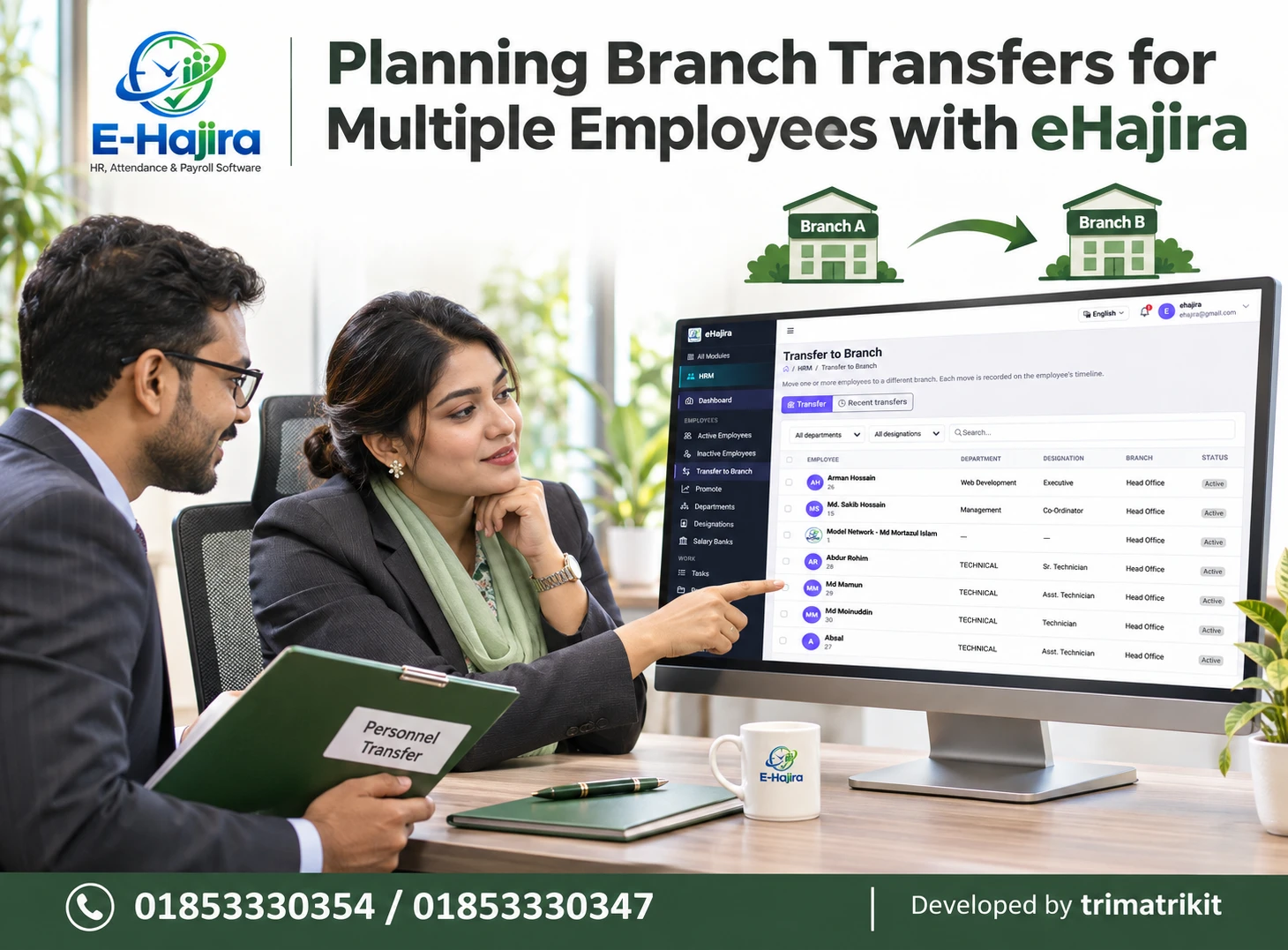
During implementation, test representative employees from different departments and branches. Confirm that their punches appear against the intended profile. When an employee transfers or leaves, follow a controlled process rather than creating unnecessary duplicate identities.
Configure Shifts Before Interpreting Results
A correct punch can produce a misleading result when compared with the wrong working schedule.
For example, an employee assigned to a later shift might appear late if the system evaluates the record against an earlier office start time.
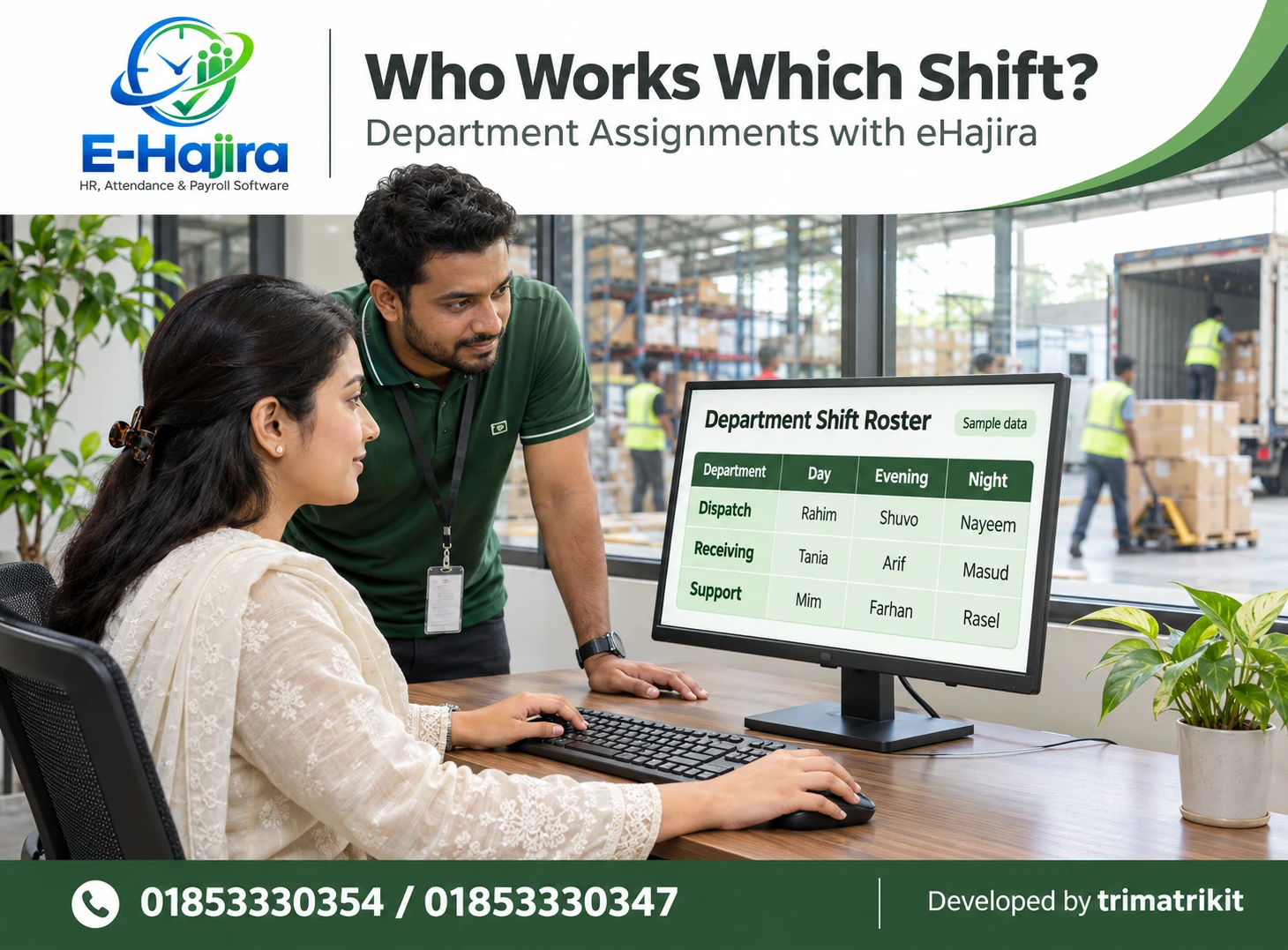
The developer’s eHajira roster guide explains that assigned shifts provide context for investigating late arrivals, early departures, missing punches, and unexpected absences. Feature availability depends on the selected package and implementation scope.
Before reviewing an exception, HR should confirm the applicable assignment and its effective date. Changes should be communicated to employees and reflected in the approved scheduling process.
Test Overnight and Rotating Duties
Overnight work requires particular care because the start and finish occur on different calendar dates.
An employee checking in late in the evening and checking out the next morning should be evaluated using the intended shift logic. Looking only at midnight-to-midnight records may create an incomplete picture.
Businesses should test actual overnight examples during the eHajira demonstration. Include a normal duty, a missing check-out, a changed assignment, and a late arrival.
Rotating schedules also need effective-date checks. A correct shift template does not help if the employee remains assigned to the previous schedule.
Check Device Time and Time-Zone Settings
A device clock that differs from the intended local time can affect many employees at once. Staff may appear consistently late or early even though they followed the correct schedule.
The organization should establish who is responsible for device time settings and how those settings are reviewed.
For a Bangladesh-only deployment, confirm that terminals, application settings, and displayed reports use the intended local time. Organizations operating internationally should test each relevant location separately.
Do not assume every integration automatically corrects device time. Request a demonstration of the supported behavior and define a procedure for identifying and resolving clock differences.
Verify Compatibility Using the Actual Device
A brand name alone does not establish that every terminal works with every software connection method.
Compatibility can depend on the device model, firmware, communication method, and required operation. Collecting attendance logs is also different from transferring user details or biometric templates.
The eHajira developer’s guide specifically encourages checking device capabilities and connection arrangements rather than assuming that a connected machine supports every operation.
Use the intended terminal in the implementation test. Confirm enrollment mapping, successful attendance collection, and behavior after an interruption. This is more useful than seeing an unrelated model function during a general presentation.
Investigate Synchronization Delays
A punch can exist on a terminal without appearing immediately in the central attendance record.
HR should distinguish a missing scan from a delayed transfer. If many employees using the same device are affected, a shared connection problem may deserve investigation.
Published eHajira packages describe attendance synchronization, but a business should still test delayed recovery and understand the conditions required for it to work.
Before adding replacement entries, check whether the original records can be retrieved. Otherwise, the organization may create duplicate information when synchronization resumes.
The recovery process should also establish which time represents the attendance event and which represents its later arrival in the system.
Treat Missing Punches as Exceptions to Review
A missing check-in or check-out should trigger investigation rather than an automatic assumption about the employee’s conduct.
The employee may have forgotten to scan. A device may have failed to transfer information. The event may also fall outside the date range or shift interpretation being reviewed.
HR should first identify which event is missing and inspect the relevant source records. The employee and supervisor can then provide information through the organization’s correction process.
Avoid entering standard start and finish times merely to complete the report. A correction should reflect the best-supported information available and the applicable approval procedure.
Handle Repeated Punches Carefully
Employees sometimes scan more than once because they are unsure whether the first attempt succeeded.
Repeated events should not automatically be interpreted as separate work periods. Similarly, a business should not delete original information casually to make a report look simpler.
During evaluation, ask how the deployed software handles repeated events and which records remain available for review.
Employees should also be trained to recognize the terminal’s success indication. Clear instructions can reduce unnecessary scans, while an understandable reporting procedure helps them raise failed attempts promptly.
Align Leave, Holidays, and Weekly Offs
An employee on approved leave should not be evaluated using an incomplete or incorrect leave record. Likewise, a scheduled non-working day should be interpreted according to the relevant calendar.
Organizations should establish when leave decisions must be completed before attendance is finalized.
Holiday and weekly-off arrangements may differ across employee groups or branches. These differences should be represented deliberately rather than handled through repeated manual changes.
Test approved leave, a cancelled request, a changed working day, and any relevant replacement duty. Confirm how those changes affect attendance results and whether further processing is required.
Use a Controlled Correction Process
Attendance corrections should be understandable after the immediate issue has been resolved.
The organization should identify who may request a correction, what explanation is needed, who reviews it, and how the final record is checked.
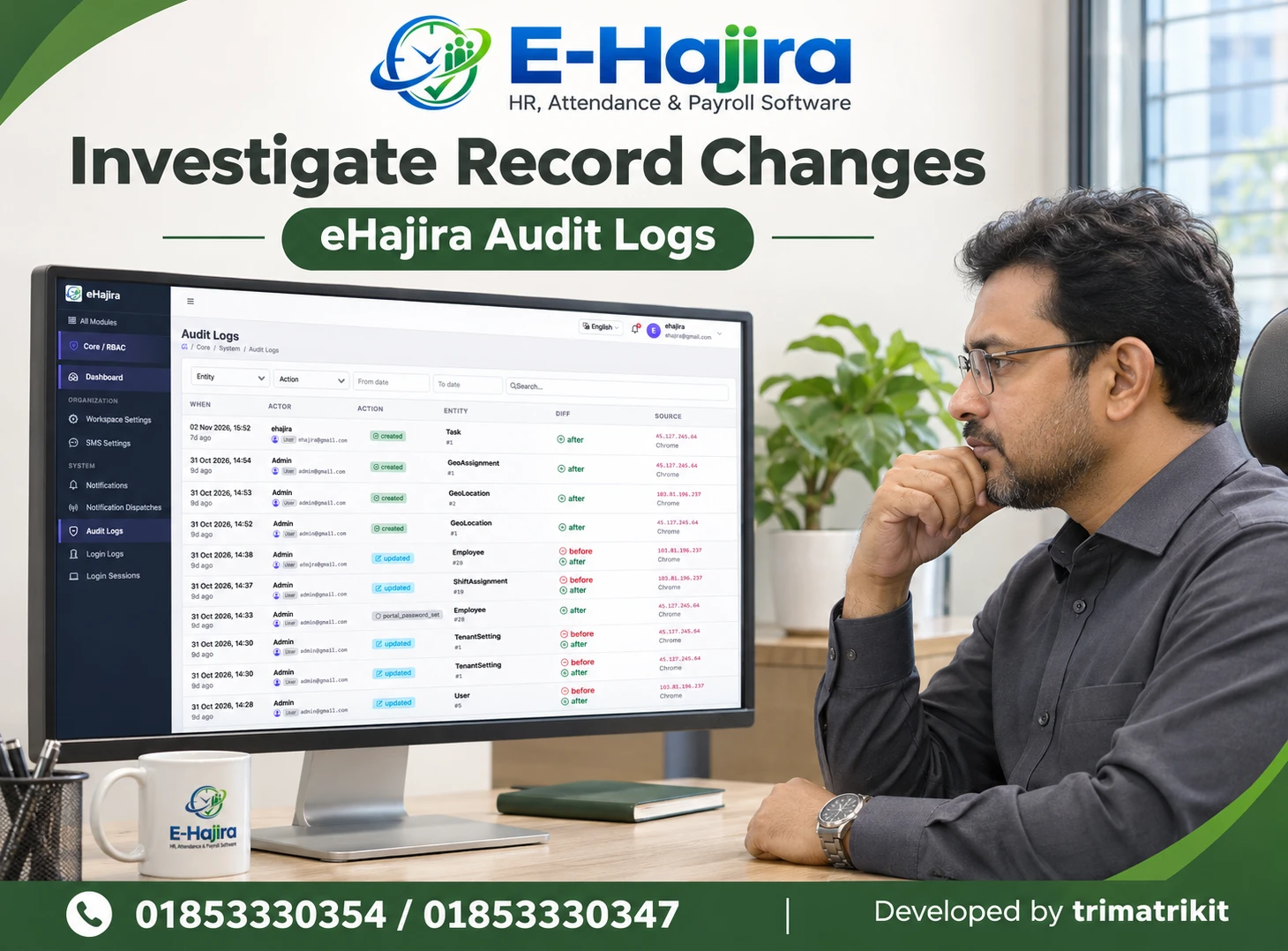
The eHajira Attendance Logs interface supplied for this discussion includes timing, worked time, adjustments, status, and action controls. A Corrections area is also visible in the navigation. These screens provide a basis for demonstration, but they do not establish every approval or history feature.
Ask the provider to show the complete process in the selected version. If a required control is unavailable, agree on an appropriate documented procedure rather than assume it exists.
Apply Bulk Attendance Changes with Care
Bulk actions can reduce repetitive entry, but they can also spread a mistake across many employees.
Before applying a change, verify the date, selected employees, department, designation, and intended scope.
The supplied eHajira Attendance Register screen displays filters, individual attendance modes, quick-set controls, pending changes, and a save action. Users should test how these controls interact before applying them to live records.
A filtered list should not be assumed to define the scope of every bulk operation. Confirm the actual behavior, review proposed changes where possible, and verify the result after saving.
Understand Recalculation and Reprocessing
An approved change to a punch or shift may require attendance results to be updated.
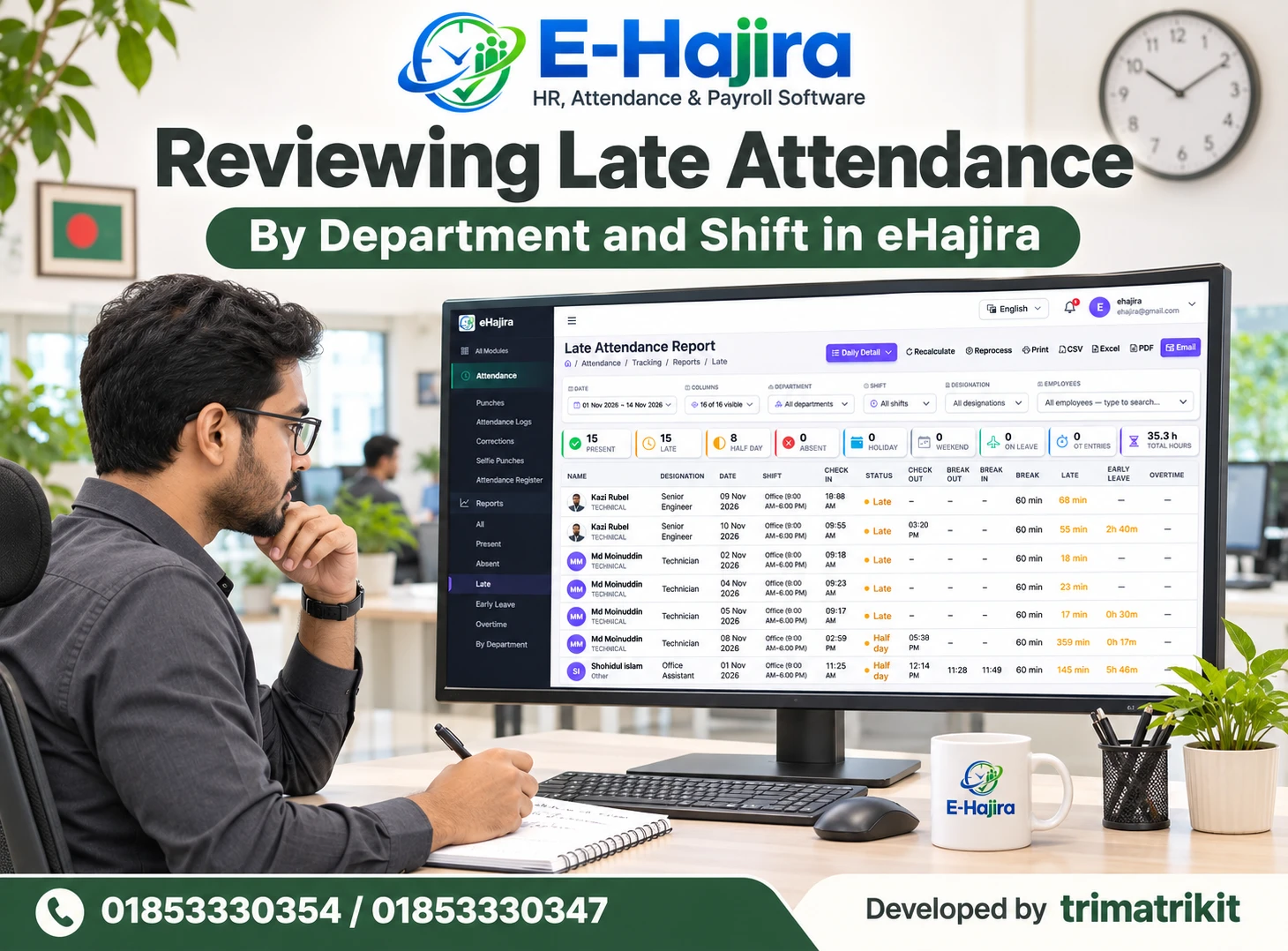
The supplied eHajira report screens show Recalculate and Reprocess controls. However, the labels alone do not explain their exact scope or downstream effects.
Ask what each operation does, which records it affects, and whether it can change previously reviewed information. Test the behavior using a small sample.
Avoid repeatedly running processing actions without understanding their purpose. First identify the discrepancy, correct the relevant source or setting, and then perform the supported update procedure.
Make Mobile Attendance Rules Clear
Mobile attendance can support employees working outside a fixed office, but it introduces its own configuration questions.
Businesses should explain approved locations, required phone permissions, and how employees report a failed attempt. Device capability and working conditions should be tested with actual users.
The eHajira developer’s guide describes geofencing and selfie attendance while distinguishing selfie images from automatic face recognition or liveness verification. Organizations should verify these capabilities separately when relevant.
A location exception should be reviewed in context. It should not automatically be treated as proof of misconduct or accepted without the required explanation.
Review Exceptions Before Payroll Preparation
Attendance review is most useful before unresolved differences become payroll inputs.
Set a practical timetable for employees to raise issues, supervisors to respond, and HR to verify the resulting records.
An attendance status should not automatically determine a salary deduction without reviewing the relevant facts and applicable requirements. Similarly, recorded time outside a shift does not necessarily establish approved overtime.
International Labour Organization guidance highlights clear communication of wage calculations and deductions. A transparent payroll process needs dependable attendance information as well as an appropriate basis for financial adjustments.
If payroll has already been finalized, follow an authorized adjustment process rather than silently changing historical information.
Use Reports with Consistent Definitions
A report can mislead even when its underlying records are correct.
HR should verify date ranges, selected employees, branches, departments, and shifts before comparing totals. Understand whether a figure counts employees, attendance days, or individual events.
Published eHajira reporting descriptions include shift, roster, and punch-in/out views. The required filters and outputs should be demonstrated in the proposed deployment.
When a total looks unusual, return to the relevant employee-level records. Comparing unlike periods or different filter scopes can create the appearance of an attendance error where the problem is interpretation.
Train Employees and Reviewers Together
Employees need straightforward instructions about checking in, checking out, and reporting problems. Supervisors need to understand how to verify explanations, while HR needs to understand configuration and processing.
Training should use realistic situations rather than only demonstrate a normal attendance day.
For example, show an employee what to do after a failed scan and show a supervisor how the related correction is reviewed. Explain when a schedule change becomes effective.
The objective is a process people can follow consistently. Excessive complexity can lead employees to avoid reporting issues until payroll time, when investigation becomes harder.
Measure Improvement Through a Pilot
Start with a representative group before expanding across the organization.
Record the types of discrepancies encountered, how long they take to resolve, and whether the same cause repeatedly affects employees.
Compare similar periods before and after implementation. Distinguish employee mistakes from device, configuration, and review problems so corrective action addresses the right cause.
Do not promise that software will eliminate every error. A successful implementation should make issues easier to detect, explain, and resolve while reducing preventable repetition.
Frequently Asked Questions
1. Can HR software eliminate all attendance errors?
No. Software can organize records and support review, but employee actions, device problems, and incorrect settings can still create discrepancies. The objective is to reduce preventable errors and resolve remaining exceptions consistently.
2. How is eHajira relevant to attendance accuracy?
Its published scope includes attendance collection, shifts, roster management, and reporting. Businesses should demonstrate their actual scenarios and confirm the required correction, permission, and processing behavior in the selected package.
3. Why can an employee appear absent after punching?
The event may not have synchronized, the identity mapping may be wrong, or the assigned shift may be incorrect. Report filters can also hide relevant information. Inspect the source event before drawing a conclusion.
4. Is a missing record the same as confirmed absence?
No. Missing information requires investigation. Approved leave, delayed data, or a recording problem may explain the gap. HR should establish the facts before finalizing the attendance result.
5. What should HR check first when many employees are affected?
Look for a shared cause such as a device connection, clock setting, calendar change, or incorrect shift assignment. A problem affecting a group may require a common correction rather than separate employee adjustments.
6. Can incorrect shifts cause late-arrival errors?
Yes. A genuine punch compared with the wrong start time can produce a misleading result. Confirm the employee’s approved assignment and its effective date before reviewing the late status.
7. How should night-shift attendance be tested?
Use shifts beginning on one date and ending the next morning. Include missing events and assignment changes. Confirm which workday receives the result and how the system calculates the relevant period.
8. Does every biometric terminal work with eHajira?
Compatibility should be confirmed for the exact model, firmware, and connection method. Attendance collection and other device operations may have different requirements. Test the intended terminal before deployment.
9. Should repeated punches be deleted?
Do not delete original information simply to simplify a report. Understand how the system interprets repeated events and follow an authorized correction procedure. Retaining an explainable record is important.
10. Can delayed synchronization create duplicate entries?
Duplicates can arise if replacement records are added before original events arrive. Check the source and recovery process first. Test how the deployed system handles retransmitted information and manual corrections.
11. Does approved leave automatically update attendance?
The exact behavior depends on the implemented workflow and settings. Demonstrate approval, cancellation, and any required recalculation. Do not assume a submitted leave request is equivalent to an approved record.
12. Can employees correct their own attendance?
They may be able to request corrections where supported, but editing and approval permissions should be confirmed separately. Organizations should define who can propose, review, and finalize changes.
13. Are bulk attendance updates safe?
They require careful scope checks. Verify the date, filters, employee selection, and intended action before saving. Test the behavior with sample records and inspect the resulting changes.
14. What is the difference between Recalculate and Reprocess?
The exact meaning must be demonstrated for the deployed version. Ask which inputs and records each action uses and whether either affects previously reviewed results. The labels alone are insufficient.
15. Does selfie attendance verify identity automatically?
A selfie is an image. Automated identity matching and liveness detection are separate capabilities. Confirm whether either is supported and how the organization will review images.
16. Can location information be inaccurate?
Location results can be affected by the device and working environment. Test mobile attendance at actual locations and define a review process for exceptions. A single location result should be interpreted carefully.
17. Should attendance errors automatically reduce salary?
An unresolved discrepancy should be investigated before financial decisions are made. Any adjustment needs the relevant factual and applicable basis. A software status does not itself authorize a deduction.
18. Does time after a shift prove overtime?
No. Recorded presence, actual work, and approved payable overtime are different matters. Review the relevant rules, records, and authorization before using time information in payroll.
19. Can attendance reports show misleading totals?
Yes, if their filters or units are misunderstood. Confirm whether totals represent people, days, events, or hours. Compare equivalent periods and inspect employee-level records when necessary.
20. How often should attendance be reviewed?
Set a schedule that allows issues to be resolved before payroll preparation. High-volume or multi-shift operations may need frequent exception review. The appropriate interval depends on the organization’s workload.
21. What should a Bangladesh business include in a pilot?
Use real employee identities, devices, shifts, holidays, leave cases, and corrections. Include an interrupted connection and overnight duty where relevant. Compare results against independently verified examples.
22. How can a company measure success?
Track discrepancy causes, unresolved cases, resolution time, and repeated corrections across comparable periods. Include employee feedback. Improvement should be supported by observed results rather than a general promise of perfect accuracy.
Build Accuracy into the Attendance Process
Reducing employee attendance errors requires dependable records, correct schedules, controlled corrections, and timely review. HR software supports these activities when it is configured around the organization’s actual working arrangements.
For Bangladesh businesses evaluating eHajira, use real scenarios during the demonstration and begin with a representative pilot. Confirm device compatibility, employee mapping, shift interpretation, and correction procedures before relying on results for payroll.
Contact 01853330354 or 01853330347 to discuss your requirements, or visit https://ehajira.com/.
Recent Post