EAS Security
 EAS Gate
 Security Tag
 EAS Accessories
 Gadgets
 Convex Mirror
 Road Barrier
 Burglar Alarm
 Calling System
Selfie Punch or Facial Recognition? Understanding the Difference with eHajira
November 09, 2026

Selfie Punch or Facial Recognition? Understanding the Difference with eHajira
An employee opens an attendance application, takes a photograph, and submits a check-in. Another employee stands in front of a face recognition terminal, which compares their face with enrolled information before recording an event.
Both processes involve a face, but they do not necessarily perform the same verification.
A selfie punch can attach photographic evidence to an attendance submission. Facial recognition involves an automated comparison intended to verify or identify a person. Capturing an image, detecting a face, matching an identity, and checking for presentation attacks are distinct functions.
For businesses in Bangladesh evaluating eHajira, understanding these differences helps prevent unsuitable purchases and unrealistic expectations. A manager who needs a photograph for later review may have different requirements from an organization seeking automated identity matching at a controlled entrance.
This guide explains the terminology, its practical implications, and the questions employers should ask before connecting either method to attendance and payroll administration.
The Main Difference: Capture Versus Comparison
A selfie punch typically means that an employee submits a photograph alongside an attendance event.
The photograph may help an authorized reviewer understand who appears in the submission. However, storing that image does not establish that software has compared it with an enrolled identity.
Facial recognition performs an automated comparison. NIST distinguishes face detection, which determines whether an image contains a face, from recognition, which compares facial features for verification or identification.
The practical distinction is straightforward: a photograph can exist without automated matching. A feature should therefore be described according to what it actually does rather than the presence of a camera.
What eHajira’s Published Guidance Says
The developer’s Bangladesh HR software guide describes mobile selfie attendance as photographic evidence attached to a punch. It explicitly distinguishes that function from automated identity matching and liveness checks, which require separately demonstrated functionality.
This is an important boundary for an eHajira evaluation.
Employers should request a demonstration of the exact workflow included in their proposed deployment. Confirm whether the system captures a new photograph, permits an uploaded image, performs any automated comparison, or provides evidence for human review.
Package availability, device support, permissions, and configuration should be confirmed before the organization makes claims to employees or management.
A Selfie Can Be Part of Facial Recognition
The terms are not complete opposites.
A system can capture a selfie and then use that image for automated face verification. Another system can capture the same type of image and simply store it with the attendance record.
Consequently, the word “selfie” describes an image capture method more clearly than it describes the full verification process.
During an eHajira demonstration, follow the sequence after capture. Ask what analysis occurs, what reference information is used, and what decision is returned.
The answer determines whether the organization is evaluating photographic attendance evidence, automated recognition, or a combination of functions.
Verification and Identification Are Different
Automated face verification usually asks whether the submitted face matches a claimed identity. This is commonly described as one-to-one comparison.
Identification searches across a collection of enrolled identities to find a potential match. This is commonly described as one-to-many comparison.
NIST explains these as separate recognition uses. A logged-in attendance application could, in principle, verify the claimed employee, while a terminal could search its enrolled population. The actual behavior depends on the implementation.
Businesses should ask which operation is being proposed. A description such as “face attendance” does not answer that question by itself.
Face Detection Does Not Establish Identity
An application may display a frame around a face or require a face to appear before allowing submission.
That behavior may indicate detection or image-positioning assistance. It is not sufficient evidence of identity matching.
For example, a capture screen could accept any visible face while still associating the submission with the account that is logged in.
Ask the implementation team to explain what the detection step checks and what it does not check. Any claim of recognition should be supported by a separate demonstration showing the reference identity, comparison outcome, and handling of unsuccessful attempts.
Live Camera Capture Is Not the Same as Liveness Detection
A requirement to use the camera can reduce reliance on ordinary gallery uploads, depending on the application’s controls. It does not, by itself, prove that the camera is viewing a live employee rather than another representation.
Presentation attack detection addresses attempts to present an artefact to a biometric system. Liveness detection concerns determining whether the captured subject is living and present at capture.
NIST discusses presentation attack detection as a distinct control in biometric authentication. Its guidance should not be interpreted as certification of eHajira or as a Bangladesh workplace requirement.
The practical requirement is to verify any claimed protection separately.
Neither Method Should Be Called “Proxy-Proof” Without Evidence
Employers may want to reduce attendance recorded on another employee’s behalf. However, broad promises such as “no proxy attendance” need careful examination.
A selfie workflow may rely on account security, capture restrictions, and human review. A recognition workflow may depend on enrollment quality, matching behavior, and presentation attack controls.
Organizations should assess the complete process rather than one visible feature.
During evaluation, ask the provider to explain the supported controls and their limits. Avoid assuming that successful capture or a matching demonstration establishes resistance to every form of misuse.
Consider the Bangladesh Working Scenario First
The appropriate method depends on the job.
A hypothetical sales representative visiting approved customer locations may need a mobile submission process. A warehouse team entering through one controlled point may find a shared terminal more practical.
A business with both groups may require different attendance methods within the same administrative process.
These examples illustrate requirements; they do not establish that one approach performs better in every Bangladesh workplace.
Before evaluating eHajira, describe who will submit attendance, where they work, what equipment they have, and what question the employer needs the record to answer.
Location Evidence Answers a Separate Question
A face image concerns the person visible in the capture. A location submission concerns where a device reports being.
Neither should be treated as a substitute for the other.
A geofence may evaluate whether submitted coordinates fall within an approved area. That does not establish identity matching or continuous presence throughout a shift.
Likewise, a recognizable face in a photograph does not independently prove the claimed location.
When reviewing eHajira, demonstrate the location and selfie components separately. Confirm how uncertain location information, unavailable permissions, and outside-area submissions are handled in the selected configuration.
Keep Device Recognition Separate from Software Reporting
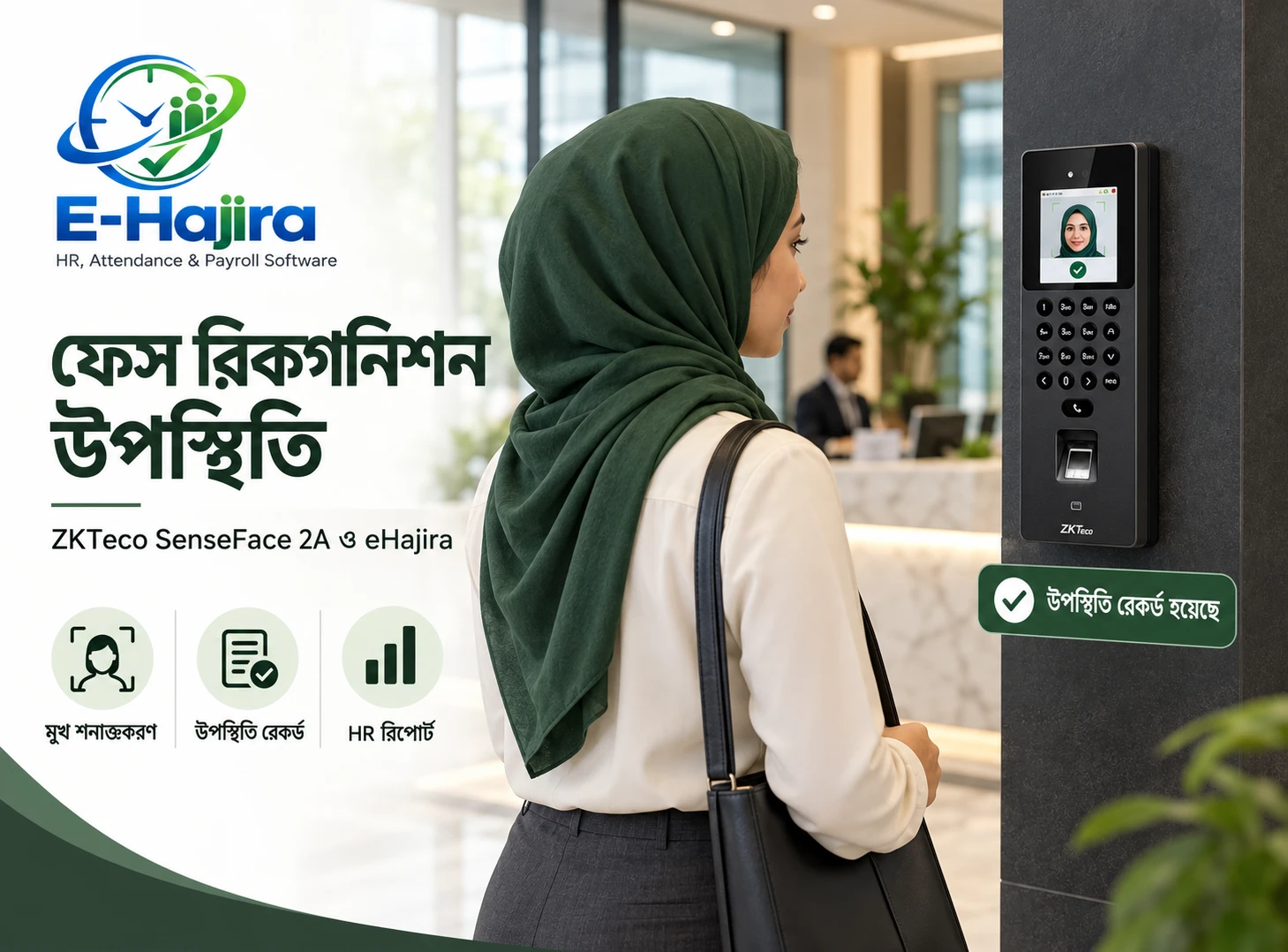
A face recognition terminal may perform matching on the device and send an attendance event to a central platform.
In that arrangement, the central software may receive the event without performing the original face comparison itself.
A mobile application could use a different process. Therefore, terminal recognition and mobile selfie capture should not be described as identical capabilities merely because both records appear in an attendance report.
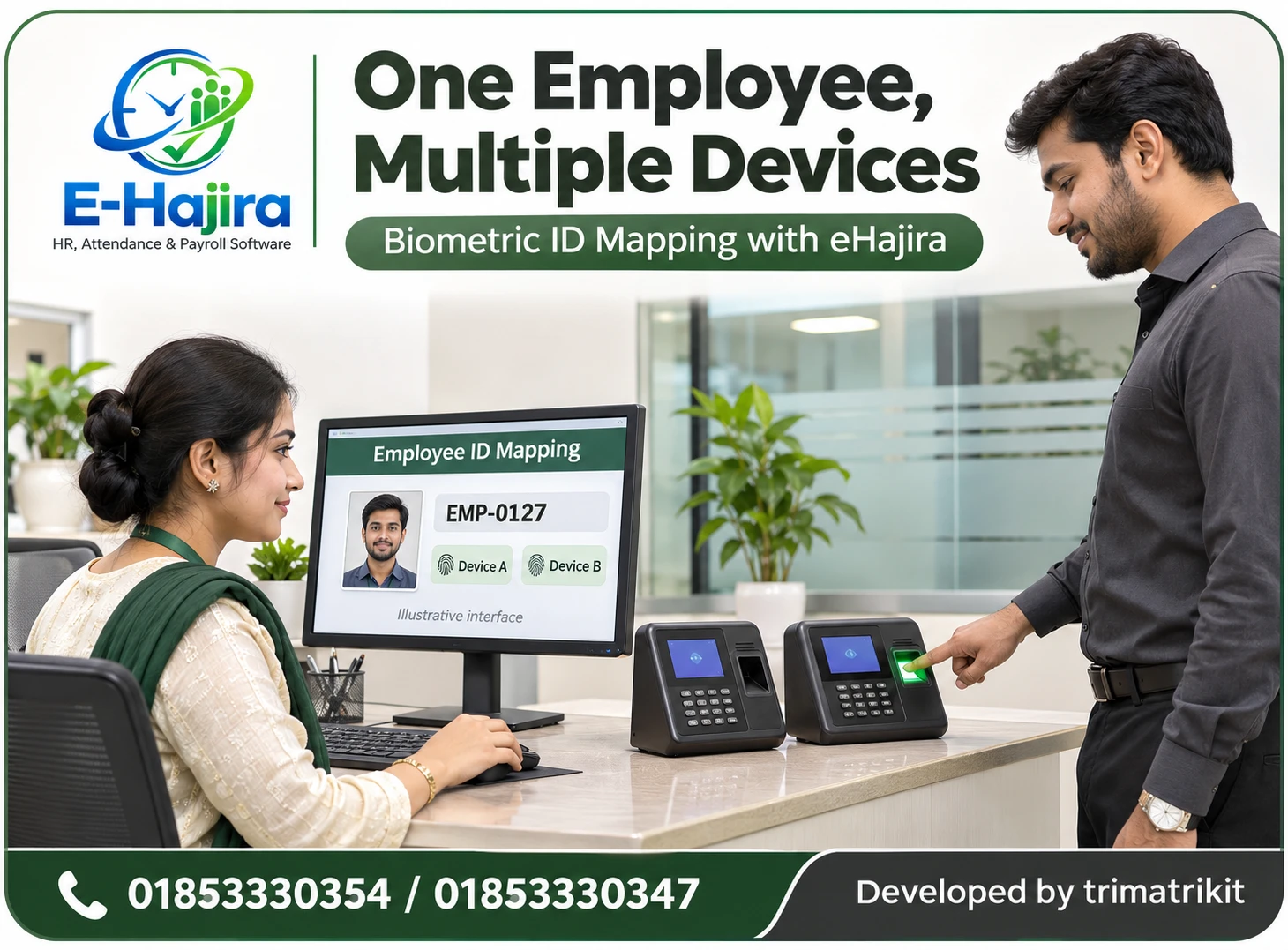
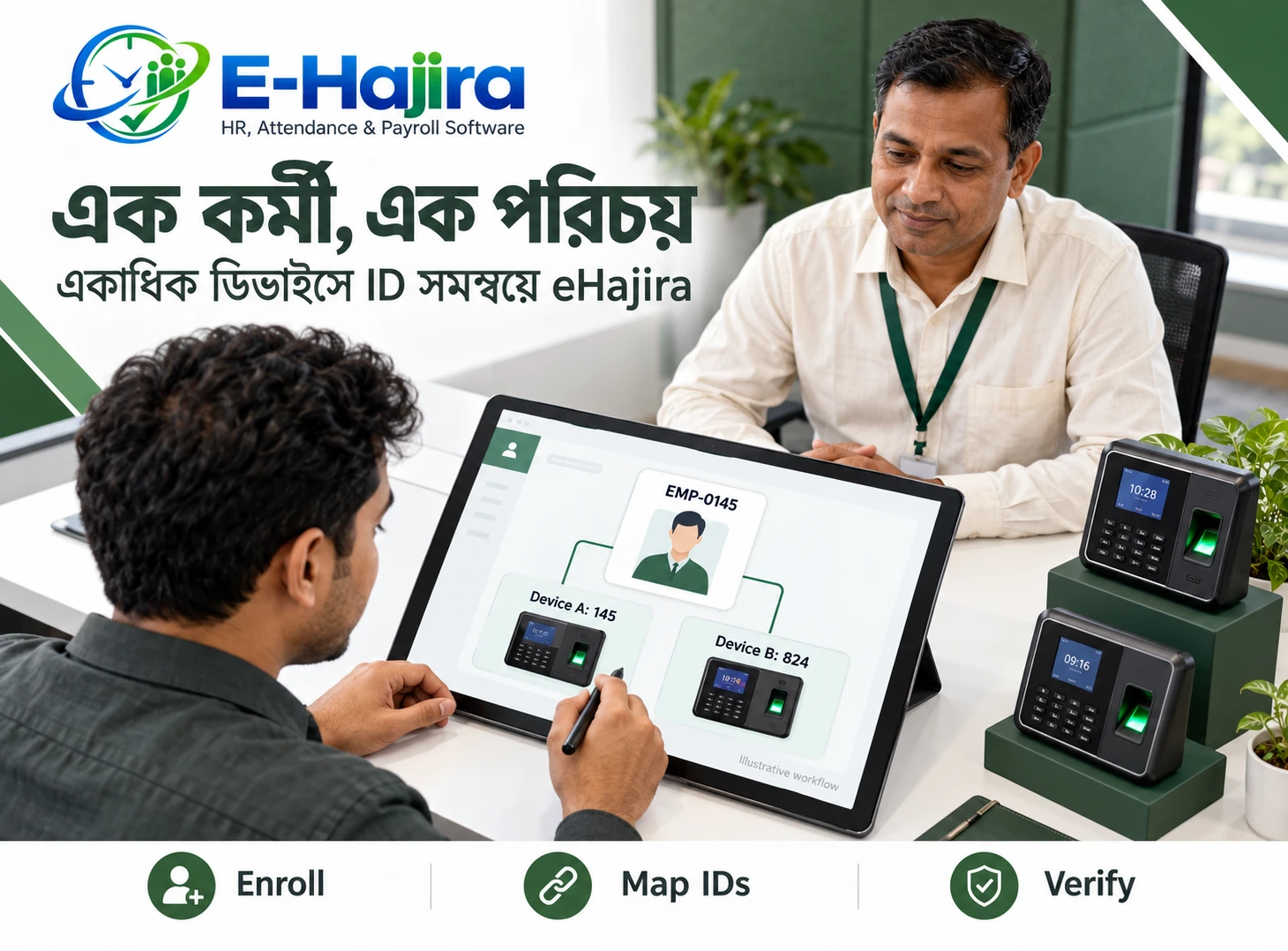
For eHajira, confirm the exact terminal model, supported connection, employee mapping, and information transferred. Ask whether images, templates, comparison results, or only attendance events are involved in the proposed integration.
Test Enrollment and Employee Mapping
Recognition needs an appropriate reference identity. Attendance reporting also needs the event to connect with the correct employee record.
Errors can occur if an employee is enrolled under the wrong identifier or if a terminal identity is mapped incorrectly to the HR profile.
Even a technically successful recognition event can produce an incorrect attendance record if that connection is wrong.
Use a small test group and verify each person’s identity from enrollment through the final report. Include a replacement device or profile update where relevant. Establish who can correct mappings and how earlier affected records will be reviewed.
Evaluate Image Quality in Real Conditions
A demonstration in a well-lit office may not represent an employee’s actual working environment.
Test the devices and capture locations the organization intends to use. Consider camera position, glare, shadows, and whether employees can follow the capture instructions comfortably.
NIST’s face verification evaluation notes that false non-matches can be strongly affected by image quality, including lighting and camera angle. This is a general technical finding, not a measured performance statement about eHajira.
The organization should assess its proposed system under representative conditions rather than infer performance from a polished presentation.
Understand False Matches and False Non-Matches
Recognition systems can make different kinds of errors.
A false match incorrectly associates different people. A false non-match fails to associate images belonging to the same person.
These outcomes have different consequences. One can create an incorrect identity decision; the other can prevent a legitimate employee from completing the process.
Ask how the proposed solution handles unsuccessful comparisons and what review route is available.
A rejected attempt should not automatically be treated as evidence of misconduct or absence. Staff need a method for distinguishing operational difficulty, incorrect enrollment, and cases requiring further investigation.
Plan for Employees Who Cannot Complete the Capture
An attendance method needs a reasonable exception process.
A camera may fail, an employee may lack access to a suitable phone, or the capture process may be difficult in a particular working situation.
The organization should establish an alternative reporting route and decide who verifies the event.
For eHajira, test how an exception is recorded and how it appears during attendance review. Avoid leaving employees with instructions to “try again later” without explaining what happens to their attendance.
An alternative process should remain accountable while allowing legitimate work records to be assessed fairly.
Confirm What Happens During Internet Interruptions
Offline behavior must be demonstrated.
A failed upload, a locally captured image, and a server-confirmed attendance event are different states. Employees need to know which one applies.
Ask whether the selected eHajira workflow supports offline capture, whether information is stored locally, and how later submission is handled. Do not assume those capabilities exist.
If delayed submission is supported, confirm how capture time and server receipt time are represented. Test duplicate attempts and interrupted uploads.
The school or employer should have an approved fallback procedure when the required service is unavailable.
Review the Record Before Using It for Payroll
An attendance event is an input for review. It does not automatically establish the complete period worked.
HR should consider the relevant shift, check-in and check-out records, approved leave, and any authorized corrections.
A selfie at the beginning of a shift does not establish continuous work until the scheduled finish. Similarly, a recognized face at a terminal does not explain every later movement.
In an eHajira demonstration, follow a sample event through the attendance process and into the information used for salary preparation. Confirm how incomplete records and disputed events are resolved before final payroll decisions.
Define Who Reviews Photographs
Photographic evidence creates a review responsibility.
If a process depends on human checking, identify who performs that work and when. A large image collection is not meaningful verification if nobody examines relevant exceptions.
Reviewers need clear guidance on acceptable evidence and escalation. They should not make unrelated judgments about employees from photographs.
Access should be limited according to responsibility. A department manager may need to review a relevant attendance exception without having unrestricted access to all employees’ images.
Confirm the permissions available in the selected eHajira deployment and whether the proposed review process is practical at the organization’s scale.
Explain Image and Biometric Data Handling
Employers should understand what information is stored.
A photograph, an extracted biometric template, and an attendance event are different records. Ask whether each is created, where it is processed, who can access it, and how long it is retained.
Also discuss deletion, backup handling, service termination, and any third-party processing involved.
These are implementation questions, not a claim that one retention period suits every Bangladesh employer. Applicable requirements need their own review.
Employees should receive a clear explanation of the attendance purpose and support process. Avoid collecting or retaining additional information simply because the technology makes it possible.
Compare Total Operational Effort
The cost of a method includes more than subscription or hardware charges.
A selfie workflow may involve phone availability, data use, employee training, storage, and review time. A terminal-based process may require installation, enrollment, maintenance, connectivity, and queue management.
Automated recognition may reduce some manual tasks while introducing its own exception-handling requirements.
Compare these costs using the organization’s actual employee numbers and working arrangements. Request a written proposal identifying the included eHajira functions, supported devices, services, and responsibilities.
Do not choose a method solely because its name sounds more advanced.
Use a Pilot to Verify the Complete Workflow
A pilot should test ordinary use and foreseeable exceptions.
Include employees from representative roles, use their intended devices, and assess the actual capture locations. Review successful events, failed submissions, identity mapping, and correction handling.
Where recognition or presentation attack detection is claimed, request appropriate documented evidence and a provider-led demonstration within an agreed test scope.
Measure completion difficulty, unresolved records, and review effort. Do not treat a small pilot as proof of universal accuracy.
The outcome should be a clear understanding of what the proposed eHajira deployment does and which procedures the employer must maintain.
Frequently Asked Questions
1. Is a selfie punch the same as facial recognition?
No. A selfie punch can simply attach a photograph to attendance. Facial recognition involves automated comparison. A selfie can be used as recognition input, but capture alone does not establish matching.
2. Does eHajira automatically recognize every selfie?
This should not be assumed. Published developer guidance distinguishes photographic selfie evidence from automated matching. Confirm the functionality included in the proposed deployment.
3. What is face detection?
Face detection determines whether an image contains a face. It does not, by itself, establish which employee is shown.
4. What is one-to-one verification?
It compares a submitted face with the reference associated with a claimed identity. The question is whether those two representations belong to the same person.
5. What is one-to-many identification?
It searches a collection of enrolled identities for a potential match. The operation and its error handling differ from checking one claimed identity.
6. Does using the live camera prove liveness?
No. Camera capture and liveness detection are separate functions. Any claimed protection against presentation attacks should be demonstrated and explained.
7. Can a selfie help HR review attendance?
It can provide photographic evidence where that workflow is available. Its usefulness depends on capture controls, correct employee association, and an effective review process.
8. Does a location-tagged selfie prove a full shift was worked?
No. It concerns a particular submission event. Full attendance review needs the relevant working-period records and approved exceptions.
9. Is geofencing facial recognition?
No. Geofencing evaluates location against a configured area. Facial recognition concerns identity comparison. They answer different questions.
10. Does phone face unlock verify the attendance selfie?
Not necessarily. Unlocking the phone and verifying an attendance submission are separate processes. Do not assume the application uses the phone’s biometric decision.
11. Can employees upload an existing photograph?
This depends on the selected capture workflow. Ask whether gallery uploads are permitted and demonstrate any restrictions that are important to the employer.
12. Can a face terminal perform recognition before sending data to eHajira?
That is a possible system arrangement. Confirm where matching occurs and exactly which information the supported device connection transfers.
13. Are all face recognition terminals compatible?
Universal compatibility should not be assumed. Verify the precise model, connection method, employee mapping, and required operation.
14. What happens if recognition rejects a legitimate employee?
Use the approved exception process. Investigate capture quality, enrollment, and technical conditions before treating the event as absence or misconduct.
15. Does a failed selfie upload mean no image was captured?
Not necessarily. Capture and server receipt can be separate stages. Confirm the status shown to the employee and the record available to HR.
16. Can selfie attendance work offline?
Only rely on offline behavior that has been demonstrated in the selected configuration. Test later submission, timestamps, and duplicate handling where supported.
17. Who should access employee attendance photographs?
Limit access to authorized people with a relevant responsibility. Review permissions and avoid unrestricted distribution of employee images.
18. Are photographs and biometric templates the same?
No. They are different forms of information. Ask what the system creates, stores, transfers, and deletes.
19. Should failed recognition automatically reduce salary?
No automatic conclusion should be drawn from the failed attempt alone. Verify actual attendance and resolve the exception through the approved process.
20. Which method is better for field employees?
It depends on the work, equipment, connectivity, and verification requirement. Test representative field scenarios before selecting a method.
21. Can an organization use more than one attendance method?
Potentially, where the deployment supports the required workflows. Confirm consistent employee mapping, reporting, and treatment of duplicate or conflicting events.
22. What should an eHajira demonstration prove?
It should show capture, any identity comparison, record submission, HR review, exception handling, and the resulting attendance information. Separate each claimed capability.
Choose the Verification You Actually Need
Selfie punches and facial recognition can serve different purposes within attendance management. A photograph provides visual evidence; automated comparison evaluates a face against reference information. Location checks and presentation attack detection add separate considerations.
For Bangladesh employers considering eHajira, define the working scenario first, then demonstrate the required functions. Clear terminology, tested behavior, and a practical exception process provide a stronger basis for implementation than broad claims about camera-based attendance.
To discuss selfie attendance, compatible device workflows, and your organization’s verification requirements, contact the eHajira team at 01853330354 / 01853330347.
Recent Post