 EAS Security
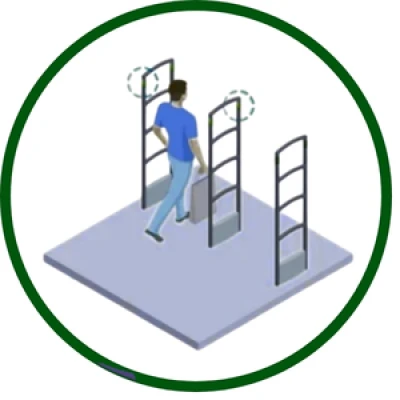 EAS Gate
 Security Tag
 EAS Accessories
 Gadgets
 Convex Mirror
 Road Barrier
 Burglar Alarm
 Calling System
Automated School Class Routine Management: A Guide to Smarter Timetables and Conflict-Free Scheduling in Bangladesh
October 25, 2026
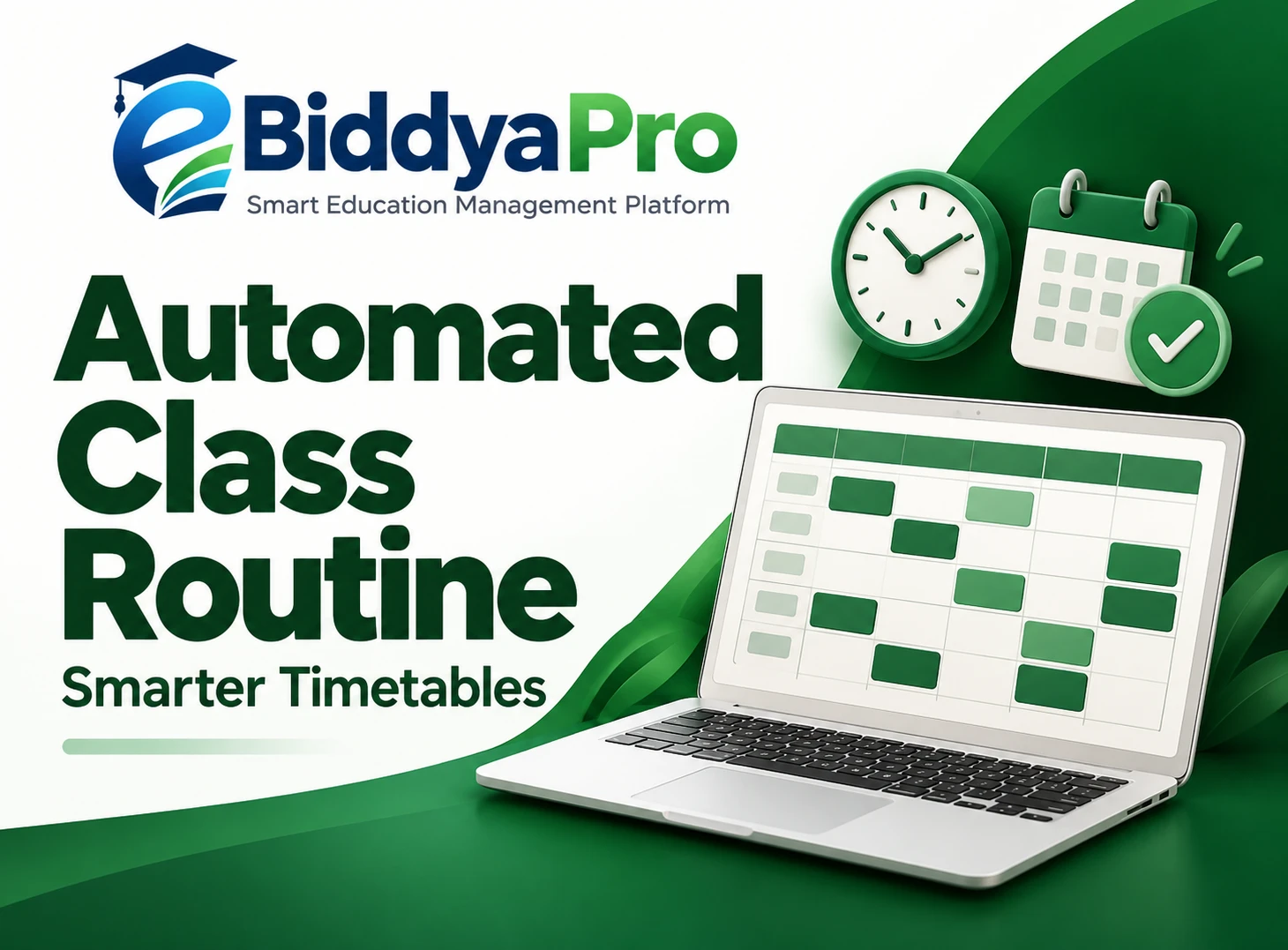
Automated School Class Routine Management: A Guide to Smarter Timetables and Conflict-Free Scheduling in Bangladesh
A school timetable determines how teachers, students, classrooms, and instructional time work together. When a routine is poorly coordinated, teachers may receive overlapping assignments, classrooms may be double-booked, and important subjects may receive fewer periods than intended. Even small changes can create additional work across several classes.
Automated school class routine management helps institutions approach scheduling through organized information and clearly defined rules. Instead of maintaining separate versions of a timetable, schools can work toward a shared schedule that supports review, controlled updates, and clear communication.
For institutions considering eBiddyaPro in Bangladesh, the priority should be practical suitability. This guide explains how routine management works, which local requirements matter, and how schools can evaluate scheduling capabilities before implementation.
What Is Automated School Class Routine Management?
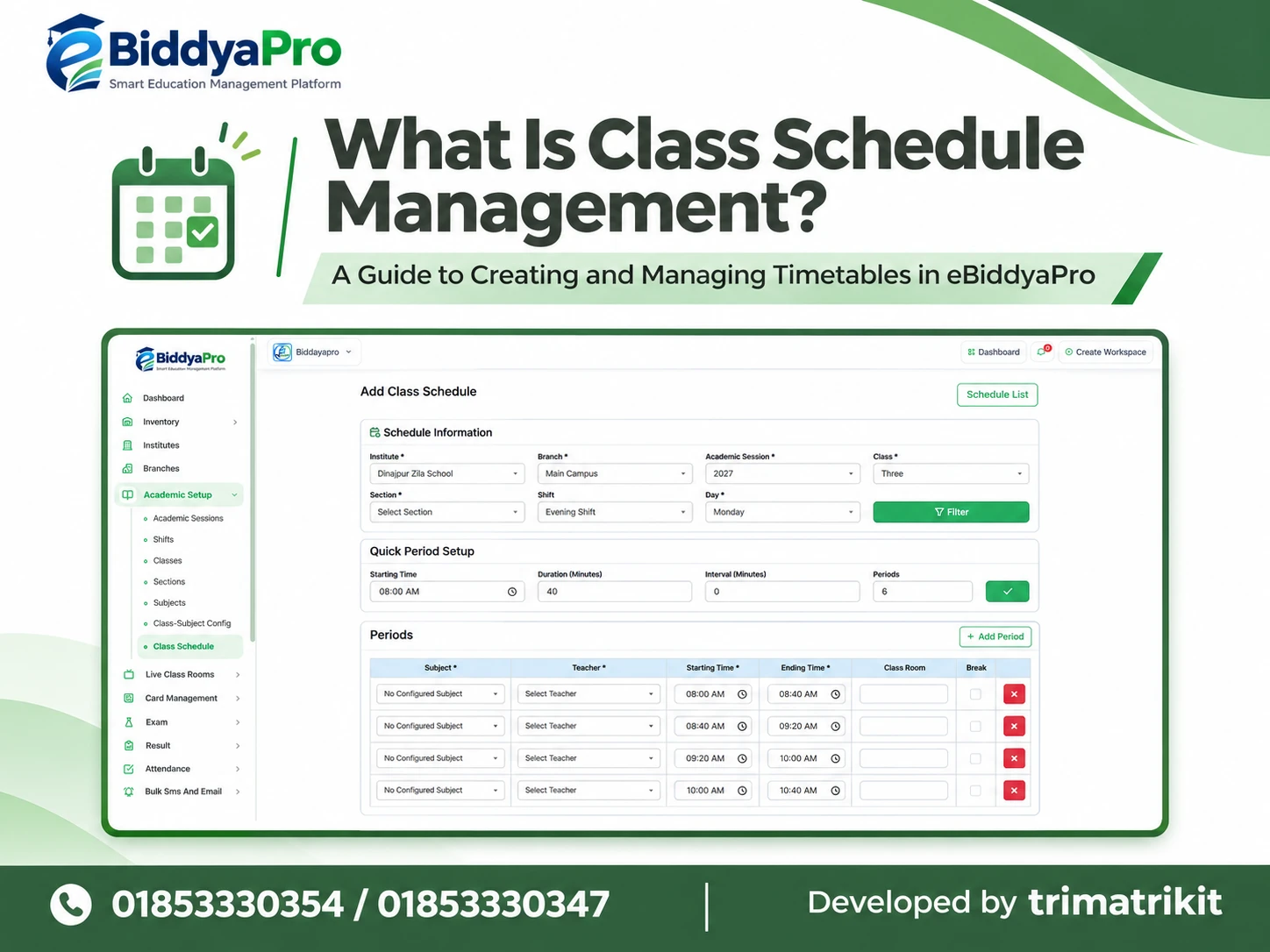
Automated class routine management uses software to organize lesson schedules around teachers, student groups, subjects, rooms, and available periods. Depending on the system, automation may involve detecting clashes, calculating teaching loads, suggesting placements, or generating a timetable from predefined requirements.
These functions represent different levels of capability. A digital timetable editor stores a routine, while a conflict checker identifies incompatible assignments. An automatic generator attempts to construct a schedule that satisfies the rules entered.
Schools should establish which level they need. A clear distinction between editing, validation, and generation makes product demonstrations more useful and prevents misunderstanding about what “automated” actually includes.
Why Timetable Management Matters in Bangladesh
Bangladesh institutions may operate different shifts, multiple sections, varied subject combinations, and shared teaching facilities. These arrangements create scheduling dependencies that become harder to manage as an institution grows.
Local software documentation also illustrates practical demand for class and batch routines, staff permissions, timetable editing, and printable schedules. Such published functionality demonstrates relevant use cases in the Bangladesh market, but it does not establish nationwide adoption or market share.
For schools evaluating class routine management software in Bangladesh, operational fit matters more than an extensive feature catalogue. A useful system must reflect the institution’s academic structure, staffing constraints, language requirements, and communication practices.
Aligning Routines with Academic Requirements
A timetable must allocate teaching time according to the applicable academic framework. NCTB’s published revised subject structures include weekly period allocations for classes six through nine–ten. The related DSHE communication explains that these revised arrangements apply from the 2025 academic year, alongside separate materials concerning the 2026 SSC examination.
This distinction matters: an examination year should not automatically be treated as the effective date of every associated classroom requirement.
Schools should verify the guidance applicable to their level and session before configuration. Software should accommodate approved changes rather than assume one universal period structure. Academic responsibility remains with the institution, even when calculations and scheduling checks are automated.
How eBiddyaPro Fits into Routine Management
eBiddyaPro’s published practical guide describes class routine management in terms of lesson schedules, teacher assignments, classrooms, and periods. It advises schools to review how changes are handled and whether the proposed module can identify scheduling conflicts. The guide also recommends confirming module availability and configuration before purchase.
Accordingly, automatic timetable generation, substitute allocation, and optimization should be treated as capabilities to verify, rather than assumed features of every eBiddyaPro package.
The following sections explain what schools should evaluate in a complete scheduling workflow. A demonstration using real institutional requirements can establish which functions are available and how they support everyday academic administration.
Building a Reliable Academic Data Foundation
Scheduling accuracy starts with accurate records. Classes, sections, subjects, teachers, rooms, and academic sessions need consistent identifiers. Duplicate teacher profiles or inconsistent classroom names can prevent a system from recognizing genuine conflicts.
Subject assignments should identify who is qualified and authorized to teach each class. Schools should also distinguish compulsory lessons from optional combinations that involve only part of a student group.
Before importing an existing routine, staff should review the underlying data. A timetable can appear complete while relying on outdated teacher availability or incorrect room allocations. Correcting these records early reduces avoidable adjustments later.
Defining School Days, Periods, and Breaks
The school calendar provides the timetable’s basic structure. Institutions should configure operating days, lesson durations, assembly time, breaks, and other fixed activities according to their approved arrangements.
Period numbers alone may be insufficient when shifts use different timings. A teacher assigned to period three in one shift and period one in another could still face an overlap if the actual clock times intersect.
A suitable scheduling process should therefore evaluate real time intervals where necessary. Temporary calendars, shortened days, and special academic arrangements also need clear effective dates so they do not accidentally replace the normal routine permanently.
Preventing Teacher, Class, and Room Conflicts
A teacher conflict occurs when one person is assigned to overlapping lessons. A class conflict occurs when the same student group has simultaneous compulsory activities. A room conflict occurs when incompatible groups are allocated the same space.
These are normally hard constraints: a valid timetable should not violate them. Preferences, such as avoiding a teacher’s final period, are different and may require compromise.
Schools should test whether software blocks conflicts, displays warnings, or merely stores entries. They should also confirm whether an administrator can override a warning and whether the system records that decision for later review.
Balancing Subject Distribution and Teacher Workload
A routine can avoid clashes yet still create an uneven learning experience. Several demanding subjects may be concentrated on one day, while a teacher may face an excessive sequence of consecutive lessons.
Scheduling preferences can help distribute subjects and workloads more reasonably. Schools may want limits on consecutive periods, suitable preparation gaps, or balanced allocation across the week.
These preferences should remain transparent. Total teaching periods do not capture every responsibility, including class coordination, assessment, and administrative work. Academic leaders should review the proposed timetable with staff before approval, rather than assume that equal period counts automatically produce equitable workloads.
Managing Multiple Shifts and Shared Facilities
Institutions operating multiple shifts need to consider transitions as well as lesson slots. Classrooms may require preparation between groups, and teachers may need time to move between buildings.
Specialist facilities introduce additional conditions. A science laboratory may have limited capacity, while an ICT room may be available only during designated periods. Some practical lessons may require consecutive slots.
Schools should test these conditions explicitly. A system that schedules only teachers and classes may not manage room types or travel time automatically. Those requirements should be documented and demonstrated before the institution relies on the timetable for daily operations.
Understanding Automatic Generation and Its Limits
Automatic generation attempts to place lessons within the available timetable while satisfying configured conditions. It can reduce repetitive planning, but it cannot create resources that the school does not have.
If a specialist teacher is available for fewer periods than the required teaching load, no valid arrangement may exist. The appropriate response is to identify the shortage and revise the underlying conditions.
A useful generator should explain unresolved assignments or conflicting requirements. Schools should avoid judging automation solely by speed. A timetable produced quickly is valuable only when it respects mandatory constraints and makes remaining compromises visible to authorized reviewers.
Handling Absences and Temporary Substitutions
Teacher absence requires a separate operational process from permanent timetable planning. A substitute must be available, suitable for the class, and free from conflicting duties.
Where substitution tools are offered, schools should check whether they consider subject suitability and workload. A free period does not necessarily mean a teacher has no other responsibility.
Temporary coverage should also preserve the original timetable. The system should distinguish a one-day substitution from a permanent reassignment. This separation helps maintain accurate teaching records and prevents an emergency adjustment from appearing as the normal schedule in subsequent weeks.
Publishing One Approved Routine
A timetable should move through preparation, review, approval, and publication. Teachers and students need to know which version is authoritative and when it becomes effective.
Useful outputs include class-wise, teacher-wise, and room-wise views. Printable copies remain important for noticeboards and classrooms, while mobile access may help staff check schedules away from the office.
Institutions evaluating eBiddyaPro should inspect actual output formats. Bangla text, subject names, teacher abbreviations, and page layout should remain readable. Each published version should display enough identifying information to prevent an old printout from being mistaken for the current routine.
Communicating Changes Clearly
Changing a timetable does not automatically ensure that affected users know about it. Communication should identify the class, subject, date, revised time, and any room or teacher change.
Schools should confirm the channels supported by their selected package. In-platform notices, SMS, mobile notifications, and downloadable documents are separate capabilities with potentially different costs.
Notifications should target the relevant audience. Sending every adjustment to every guardian can create confusion and reduce attention to important messages. Where delivery reporting is available, administrators should distinguish a successfully sent message from confirmed receipt or understanding.
Connecting Scheduling with Other School Processes
Routine information can support attendance, teacher allocation, and academic reporting when the relevant modules share consistent records. For example, an attendance screen may use the scheduled class and teacher to simplify lesson identification.
However, a scheduled lesson is not proof that teaching occurred. Attendance or completion records are needed to establish actual delivery.
Schools should verify integrations rather than assume that modules exchange information automatically. Shared teacher identifiers, session settings, and class definitions are essential. When a routine changes, the institution should understand which related records update and which historical records remain unchanged.
Supporting Bangla Use, Connectivity, and Access Control
A practical Bangladesh deployment should be tested using the devices and connections available at the institution. Staff need to assess loading speed, mobile readability, printing, and Bangla text handling in realistic conditions.
Offline capability requires specific verification. Viewing a previously downloaded timetable is different from editing offline and synchronizing changes later.
Access should also reflect responsibility. Teachers may need to view schedules, while designated coordinators require editing rights. Approval permissions should remain limited. Individual accounts and change histories help administrators identify who modified a routine and restore a previous version when necessary.
Comparing Costs and Measuring Value
The cost of class routine management software depends on the agreed scope. Setup, hosting, training, customization, messaging, integrations, and support may be charged separately or included in a package.
Schools should request a written quotation describing recurring costs and any limits on branches, staff accounts, or academic sessions. It is also useful to clarify charges for future timetable-rule changes.
Value should be measured through institutional results. Routine preparation time, unresolved conflicts, correction frequency, and communication delays provide practical indicators. Schools should establish a baseline before implementation instead of relying on unsupported promises of fixed percentage savings.
Introducing eBiddyaPro Through a Pilot
A pilot should include a representative scheduling challenge. One shift or a limited set of classes may be sufficient if it includes shared teachers, specialist rooms, and realistic availability restrictions.
Staff should build the routine, introduce a deliberate conflict, test a change, and inspect the published outputs. This reveals how the proposed setup behaves beyond the opening dashboard.
Before expansion, the institution should approve the workflow and assign ongoing responsibilities. Training should cover routine maintenance and exceptions, not only initial creation. A successful pilot gives eBiddyaPro implementation a practical foundation and helps staff adopt the system with clearer expectations.
Frequently Asked Questions
1. What is automated school class routine management?
It is the use of software to organize and validate class schedules according to academic and resource requirements. Depending on the product, automation may include conflict detection, workload calculations, timetable suggestions, or complete generation. These capabilities should be verified individually.
2. How is it different from preparing a routine in Excel?
A spreadsheet can display a timetable effectively, but scheduling checks may depend on formulas or manual review. Dedicated software may connect teachers, classes, rooms, and permissions in one workflow. Its advantage depends on the functions actually available and correctly configured.
3. Does eBiddyaPro automatically generate class routines?
Its published guide discusses routine management but does not establish automatic generation as a universal package feature. Schools should request a live demonstration of generation, if required, and confirm the supported constraints, limitations, and pricing in the written proposal.
4. Can routine software guarantee a conflict-free timetable?
Only if the requirements are feasible, the data is accurate, and the system checks the relevant constraints. Insufficient teacher availability or room capacity can make a valid timetable impossible. Software should explain unresolved conflicts rather than conceal them or silently ignore mandatory rules.
5. Can it follow Bangladesh curriculum period requirements?
A suitable system should allow the applicable subject and period requirements to be configured. Schools must verify current guidance for their academic level and session. They should then test whether the resulting timetable provides the required allocations without omissions.
6. Can one teacher work across multiple classes?
Yes, provided the schedule avoids overlapping assignments and accounts for relevant availability. Schools should also consider consecutive teaching limits and movement between rooms. The demonstration should show the teacher’s complete schedule across all assigned classes, rather than isolated class views.
7. Can it manage morning and day shifts?
This depends on the configuration supported. Schools should test actual start and end times across shifts, especially where teachers and rooms are shared. Different period numbers do not prevent a conflict when their clock times overlap or transition time is insufficient.
8. How are laboratory and ICT periods scheduled?
The system needs information about suitable rooms, availability, capacity, and any requirement for consecutive lessons. Institutions should verify whether these conditions are handled automatically or require manual control. A general classroom allocation function may not cover specialist resource constraints.
9. Can part-time teacher availability be included?
It should be recorded as a scheduling condition where supported. Schools should enter the days and times each teacher can work and test assignments outside those limits. Availability restrictions should remain distinct from preferences that administrators may choose to negotiate.
10. Can administrators change an automatically generated routine?
A practical workflow should permit controlled adjustments, but each change should be checked for new conflicts. Schools should confirm whether approved assignments can be locked and whether regeneration preserves them. Otherwise, a minor revision could unexpectedly alter many lessons.
11. What happens when a teacher is absent?
The school needs a substitution process that checks availability and suitability before assigning coverage. If software assists with this, staff should verify the suggested replacement. Temporary assignments should be date-specific and should not overwrite the permanent timetable without authorization.
12. Can students and guardians view routines online?
Online access depends on the portal or publication functions included in the package. Schools should check whether users see the correct class, effective date, and latest version. Mobile readability and appropriate access restrictions should be tested before publication.
13. Does eBiddyaPro send SMS when a routine changes?
This must be confirmed for the selected package and messaging integration. Schools should ask about recipient selection, Bangla message handling, delivery reporting, and charges. Updating the timetable and sending a notification are separate actions unless the demonstrated workflow connects them.
14. Can the routine be printed in Bangla?
Institutions should request a sample using their actual subject names, teacher names, and preferred layout. Printing needs verification independently of screen display. Font rendering, page breaks, abbreviations, and text size can affect whether the finished routine is usable.
15. Is the system useful for a small school?
It can be useful when scheduling and communication create a measurable administrative burden. A small school may need straightforward editing and conflict checks rather than advanced optimization. The appropriate choice depends on workflow complexity, staff capacity, and total ownership cost.
16. Can it support madrasahs or English-medium schools?
Suitability depends on the institution’s subjects, calendar, lesson structure, and reporting needs. Schools should demonstrate their specific timetable requirements instead of assuming all curricula use the same configuration. A flexible academic setup is particularly important when programs differ within one institution.
17. Will routine management work without internet access?
That depends on the deployment and verified offline features. A downloaded timetable may remain accessible, while online editing may stop during an outage. Schools should agree on a fallback process and test synchronization behavior if offline changes are supported.
18. How long does implementation take?
The timeline depends on data readiness, school size, customization, and staff training. A simple timetable may require less preparation than a multi-shift institution sharing specialist resources. The provider should propose milestones after reviewing requirements and completing a representative pilot.
19. How should a school evaluate cost-effectiveness?
Compare total costs with practical improvements in routine preparation, conflict resolution, and change communication. Include staff time, training, recurring charges, and support. A useful assessment considers the quality and reliability of the resulting workflow, not merely the software subscription price.
20. What should we prepare for an eBiddyaPro demonstration?
Prepare the existing routine, teacher availability, subject allocations, room details, shift timings, and known scheduling difficulties. Ask the team to build and revise a representative timetable. Record which requirements are demonstrated, configurable, unavailable, or dependent on additional development.
Build a More Reliable Scheduling Process with eBiddyaPro
Effective routine management connects academic requirements with the institution’s actual teaching resources. The goal is a schedule that staff can maintain, students can follow, and administrators can review with confidence.
For schools in Bangladesh, eBiddyaPro evaluation should begin with real timetable data and clearly defined expectations. Confirm the available automation, test difficult scheduling cases, review publication formats, and agree on training and support. This approach creates a stronger basis for smarter timetables, fewer avoidable conflicts, and more organized academic operations.
Recent Post